10 Best Ad Spy Tools in 2026: Free and Paid Options Compared
- Author
- PrimeSpy Research Team
- Published
- Sep 27, 2026

Summary: A practical comparison of 10 free and paid ad spy tools for 2026, covering Meta, Google, TikTok, ecommerce, PPC, and creative workflow use cases. It helps teams choose between official ad libraries, PrimeSpy, Minea, Semrush, SpyFu, BigSpy, Foreplay, and other research tools.
You’re planning a campaign, so you look at what competitors have been running. Facebook ads, TikTok videos, and Google offers turn up quickly. Then the tabs multiply. Which ideas show up again and again? Where do those ads send people? Which examples would help your team make a decision?
Ad spy tools help you work through those questions. The platform libraries give you a free place to look. Paid tools can widen your search, show ad history or product context, and keep useful finds together. This guide looks at ten options, from tools for a quick advertiser check to ones built for research your team does every week.
Which ad spy tool should you choose first?
The channel you research most is a good place to start. A DTC brand looking at hooks across Facebook, Instagram, and TikTok needs to find and save creative examples. A B2B SaaS team running Google Search may care more about ad copy, landing pages, and clues about paid keywords. The free library for each platform handles a quick check. For weekly work across Meta, TikTok, and Google, PrimeSpy brings ad research, competitor tracking, and saved examples together. Product research and PPC keyword history call for different tools. Here is how the ten options compare.
| Tool | Best for | Free or paid | Main strength | Watch-out |
|---|---|---|---|---|
| Meta Ad Library | Facebook and Instagram ad checks | Free | Direct view of active Meta ads | Manual research; no commercial ad ROAS |
| Google Ads Transparency Center | Google advertiser lookup | Free | Public ads by advertiser, region, and date | No paid keyword history |
| TikTok Creative Center | TikTok video ideas | Free; fuller access after login | Top Ads filters for creative research | A selected collection, not every ad |
| Minea | Ecommerce product and ad research | Free signup; paid plans | Connects ad discovery with product and store context | Credit and search limits vary |
| Semrush Advertising Toolkit / AdClarity | PPC and broader media research | Paid | Search research plus display, video, and social data | Reports differ by plan |
| PrimeSpy | Meta, TikTok, and Google ad research | Free trial; paid plans | Cross-platform discovery, filters, tracking, and saved lists | Credits and features vary by plan |
| SpyFu | Google PPC research | Paid | Domain-based keyword and ad-copy history | Spend and traffic figures are estimates |
| TrendTrack | Ecommerce store and ad research | Paid | Puts ads beside store and product context | Store features may be unnecessary |
| BigSpy | Multi-platform creative discovery | Limited free access; paid plans | Searches ads across several channels | Broad queries need careful filtering |
| Foreplay | Creative libraries and team briefs | Trial; paid plans | Saves and organizes ads for collaboration | Not a PPC keyword tool |
The free-or-paid label needs a closer look before you subscribe. An official library stays free, but a free account may limit searches and a trial may expire. Check what your plan includes for the channel you need.
Free ad libraries give you the cleanest starting point
If you already have an advertiser in mind, go to the platform’s own library. You can see its ads there and, depending on the library, search by advertiser or narrow the view by country and date. Note the market and search date when you save an example. The same ad may disappear later or be absent in another country. That small habit makes a collection of screenshots far easier to interpret. As your list of competitors grows, manual checks take more time; deeper search, change tracking, and saved research become more valuable.
1. Meta Ad Library
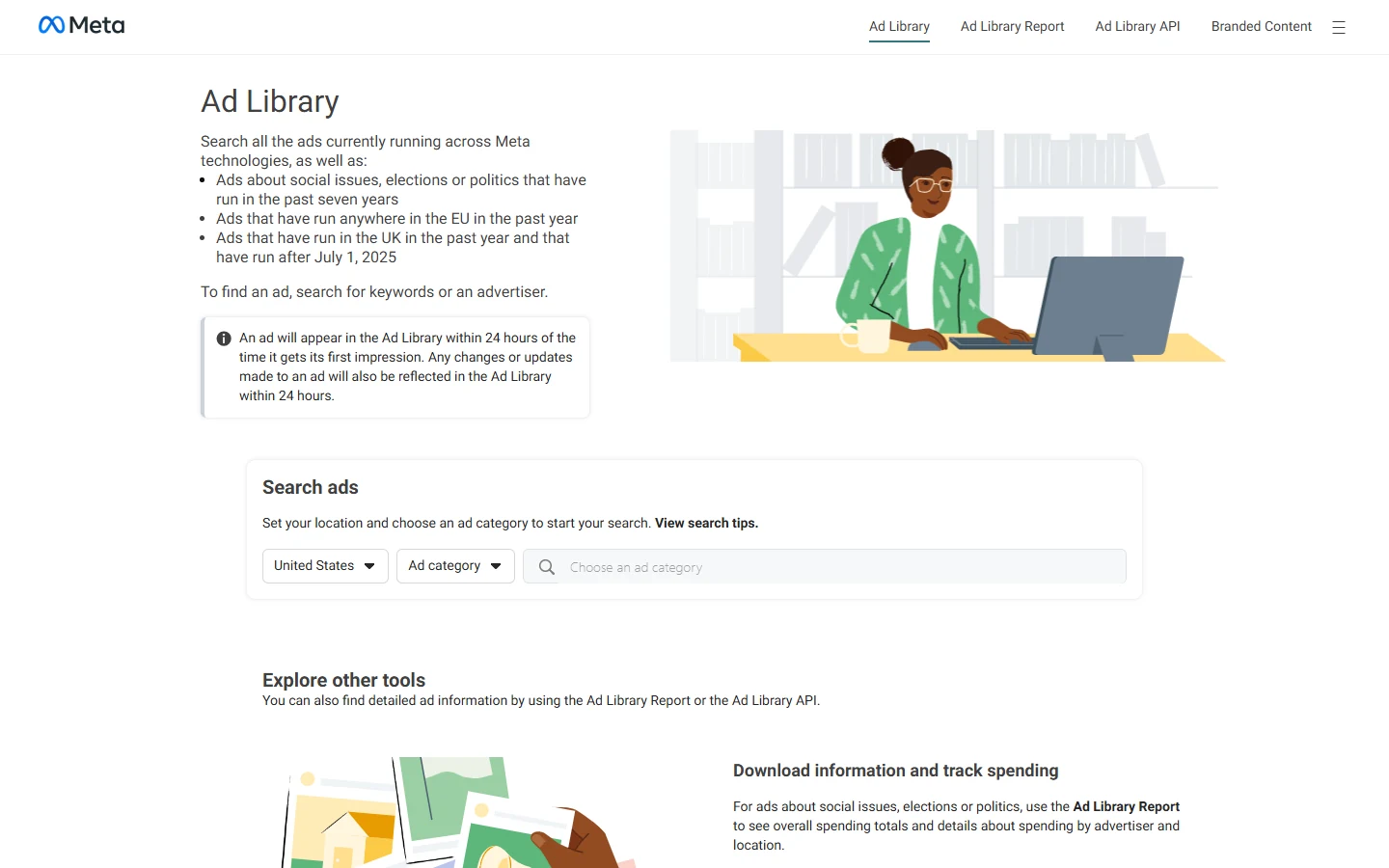
Suppose a skincare brand has three ads for the same offer. Find its page in Meta Ad Library, choose your country, and look at what changes between versions: the first line, the image or video, and the call to action. Meta makes active ads searchable across its products. That gives you a direct look at the messages and formats a known advertiser is using now. Research gets harder when you need to explore an entire category or keep checking for new creative; those are jobs for a dedicated tool.
2. Google Ads Transparency Center
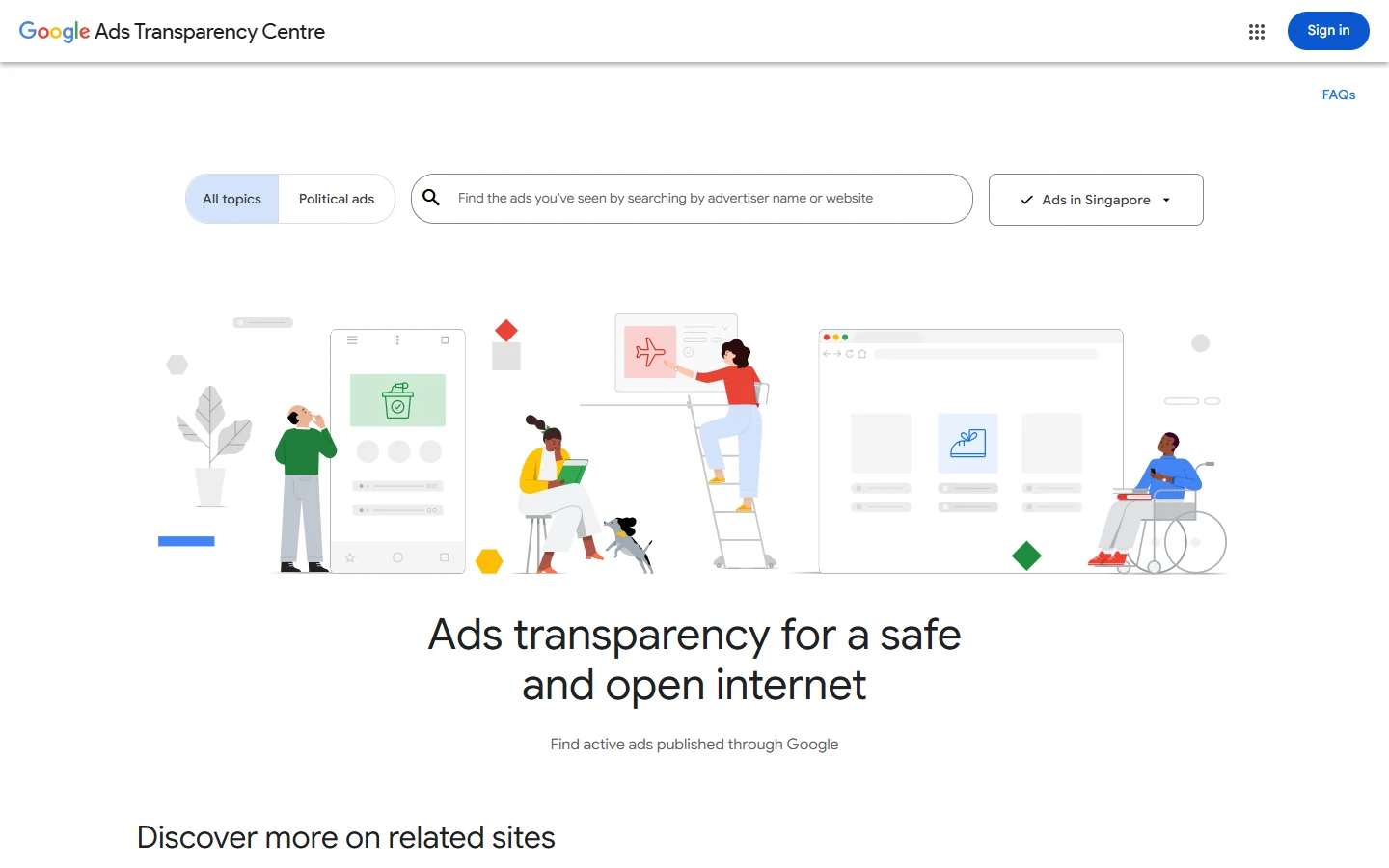
With Google Ads Transparency Center, begin with an advertiser or its website. The region and date filters help you focus on the market you care about. Read the offers as well as the ads: one B2B rival might invite people to book a demo, while another pushes a free trial. Repeated claims, prices, and calls to action are worth noting. The center shows public Google ads, but it does not tell you the exact keywords or bids behind them. For that, look at a PPC research tool.
3. TikTok Creative Center
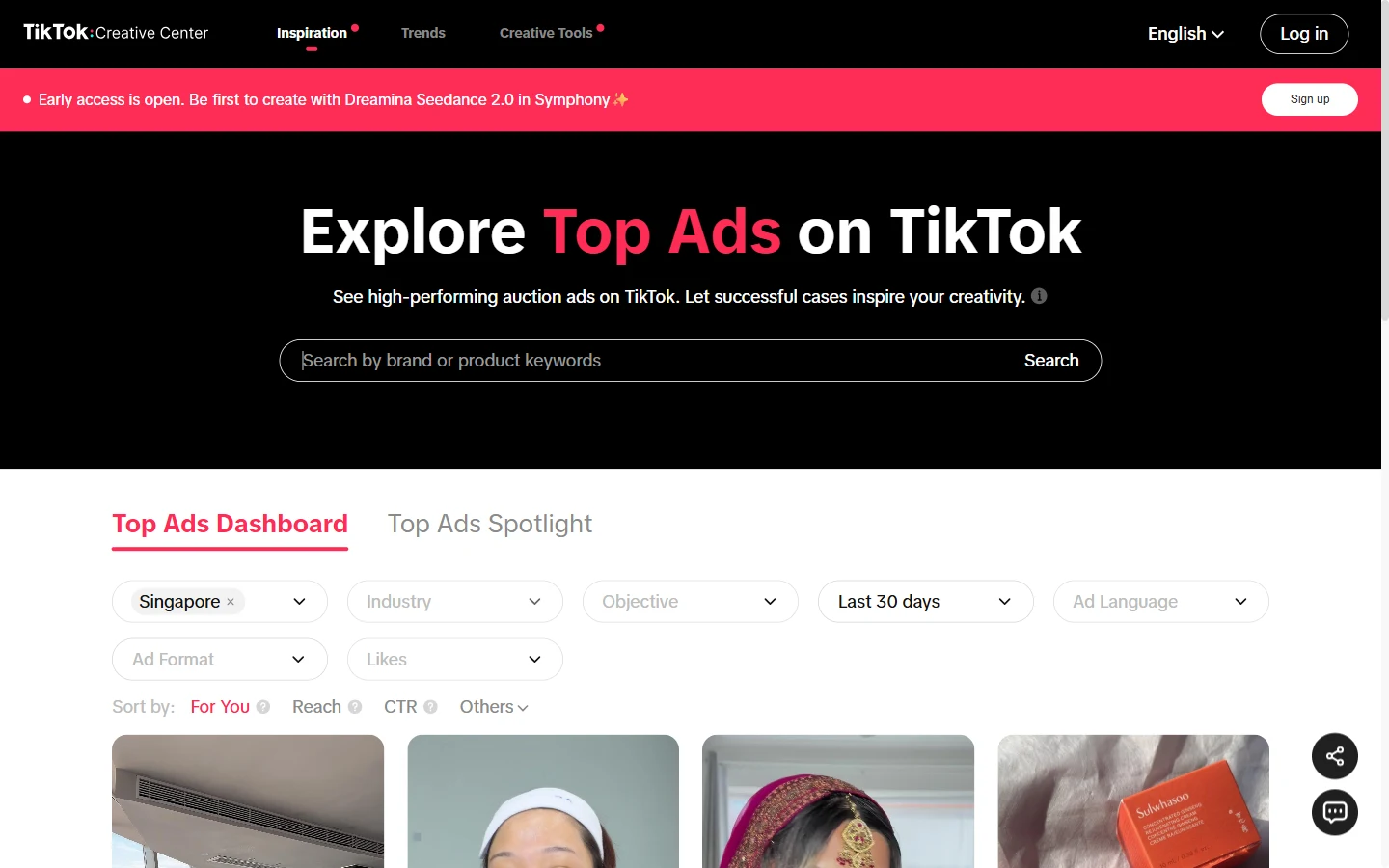
A TikTok video needs to be watched, not filed away as a thumbnail. In TikTok Creative Center, pay attention to the first two seconds, when the product appears, and how the ad closes. The Top Ads Dashboard can be filtered by region, industry, and objective, so you can study formats used in a relevant category. Top Ads is a selected collection rather than a complete record of a competitor’s campaigns. Logging in gives you more access; it still does not show the advertiser’s actual sales.
Paid ad intelligence tools help turn research into decisions
Free libraries tend to reveal what is missing from your research. Perhaps you can find an ad but not the store offer behind it. Perhaps you need search-copy history, or your team keeps losing useful examples in chat. Each problem points to a different paid tool. Before choosing one, repeat a familiar task with two or three advertisers you know well. Search in the countries and formats you actually buy. You will quickly see whether the extra data makes the work clearer, or merely gives you more results to sort through.
4. Minea
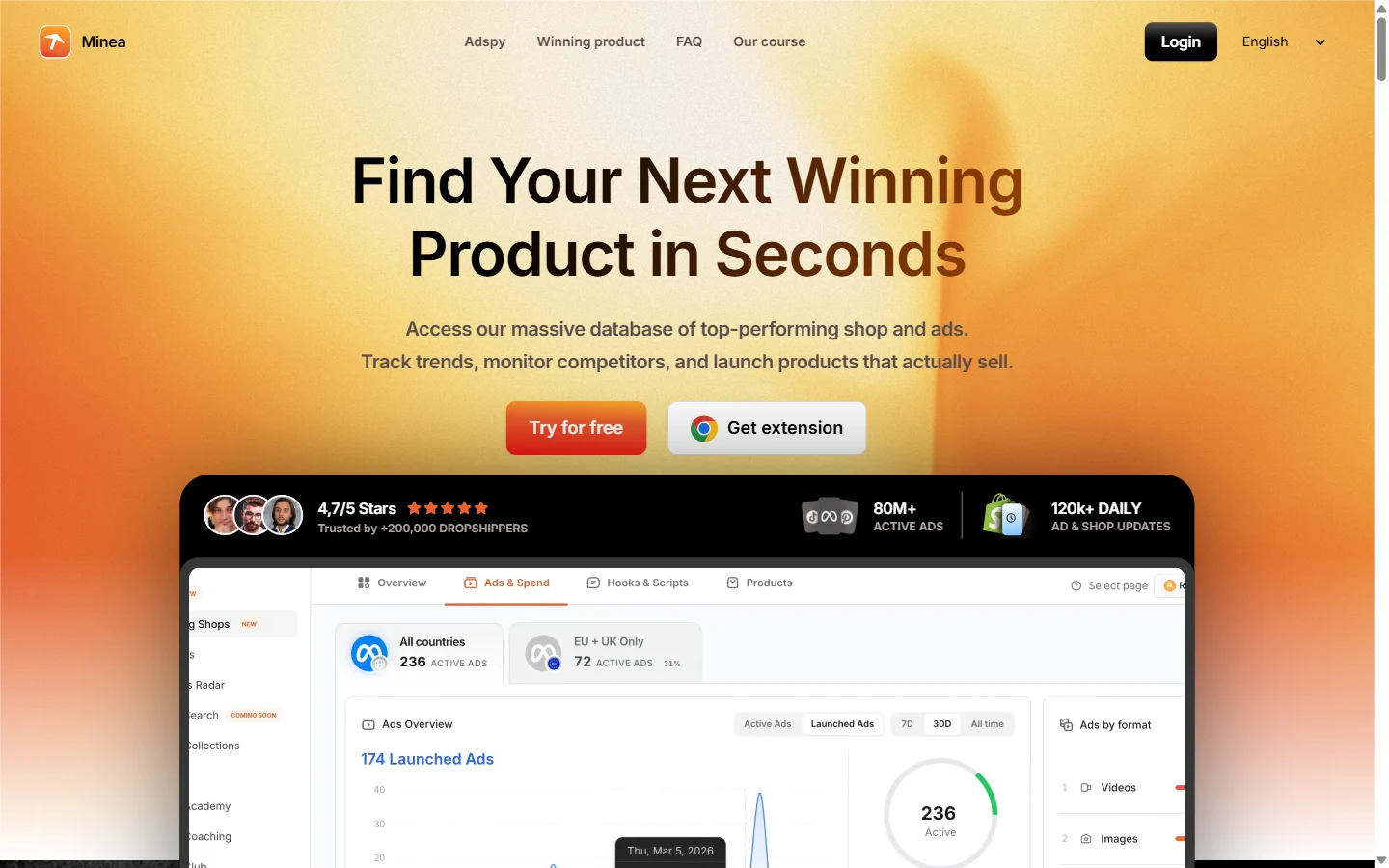
You find an ad for a kitchen gadget, but the creative alone doesn’t explain the offer. What product page sits behind it? What else does the store sell? Minea lets ecommerce teams follow that trail from social ad to product and store. That context matters when you are evaluating an offer rather than collecting images for a mood board. It may be more than you need for occasional checks on known advertisers. Signup is free, while paid plans start at $49 per month. Look at the search and credit limits before subscribing.
5. Semrush Advertising Toolkit / AdClarity
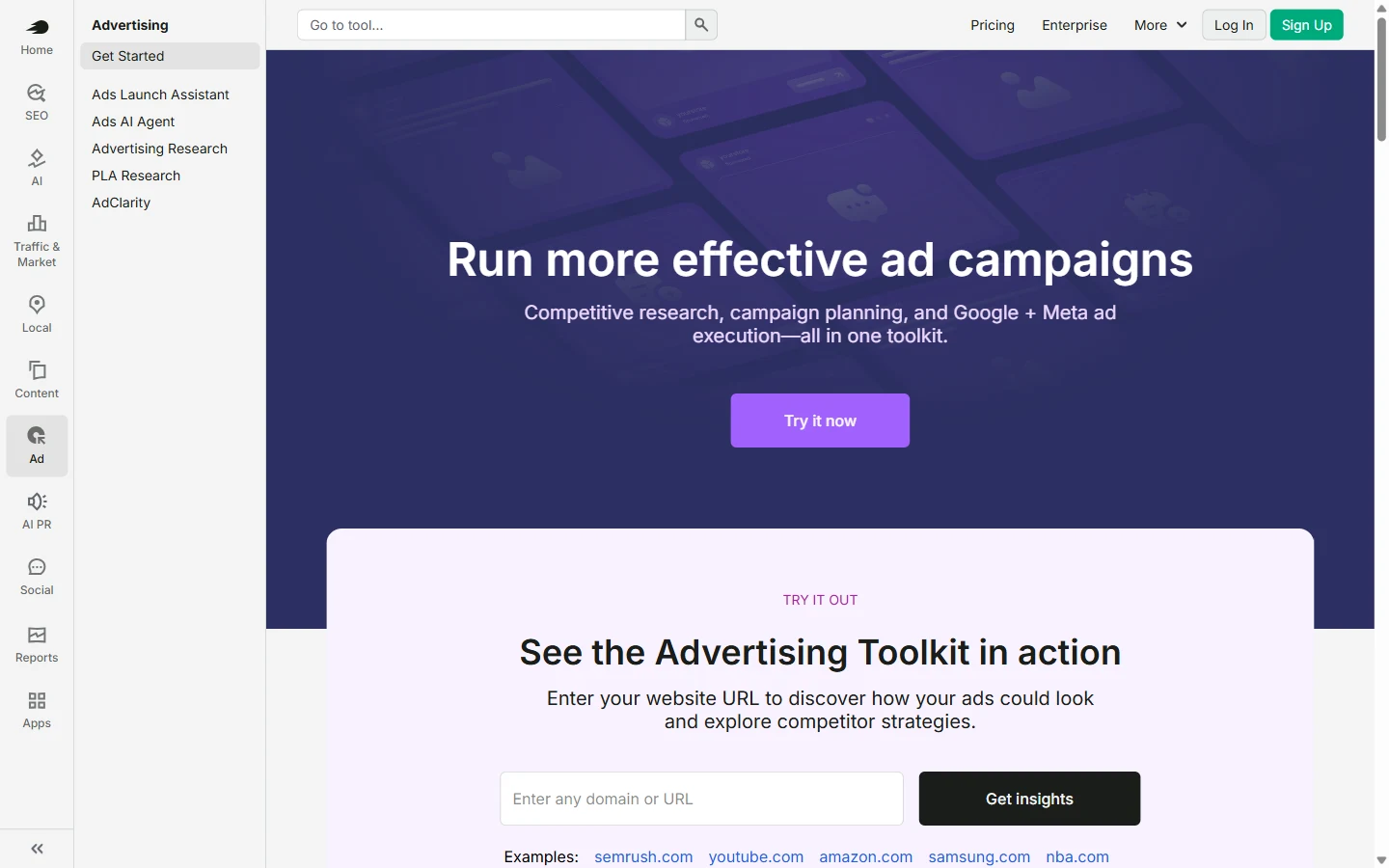
Semrush makes more sense when an ad raises a search question. Its Advertising Research tool helps you investigate paid keywords and ad examples; AdClarity covers display, video, and social placements. A team working across SEO and paid media can use both views. Someone who only checks Facebook creative once in a while probably will not need the wider suite. Advertising Toolkit pricing is $99 per month for Base or $220 per month for Pro, billed annually. Pro includes AdClarity. Check the reports in each plan before you choose.
6. PrimeSpy
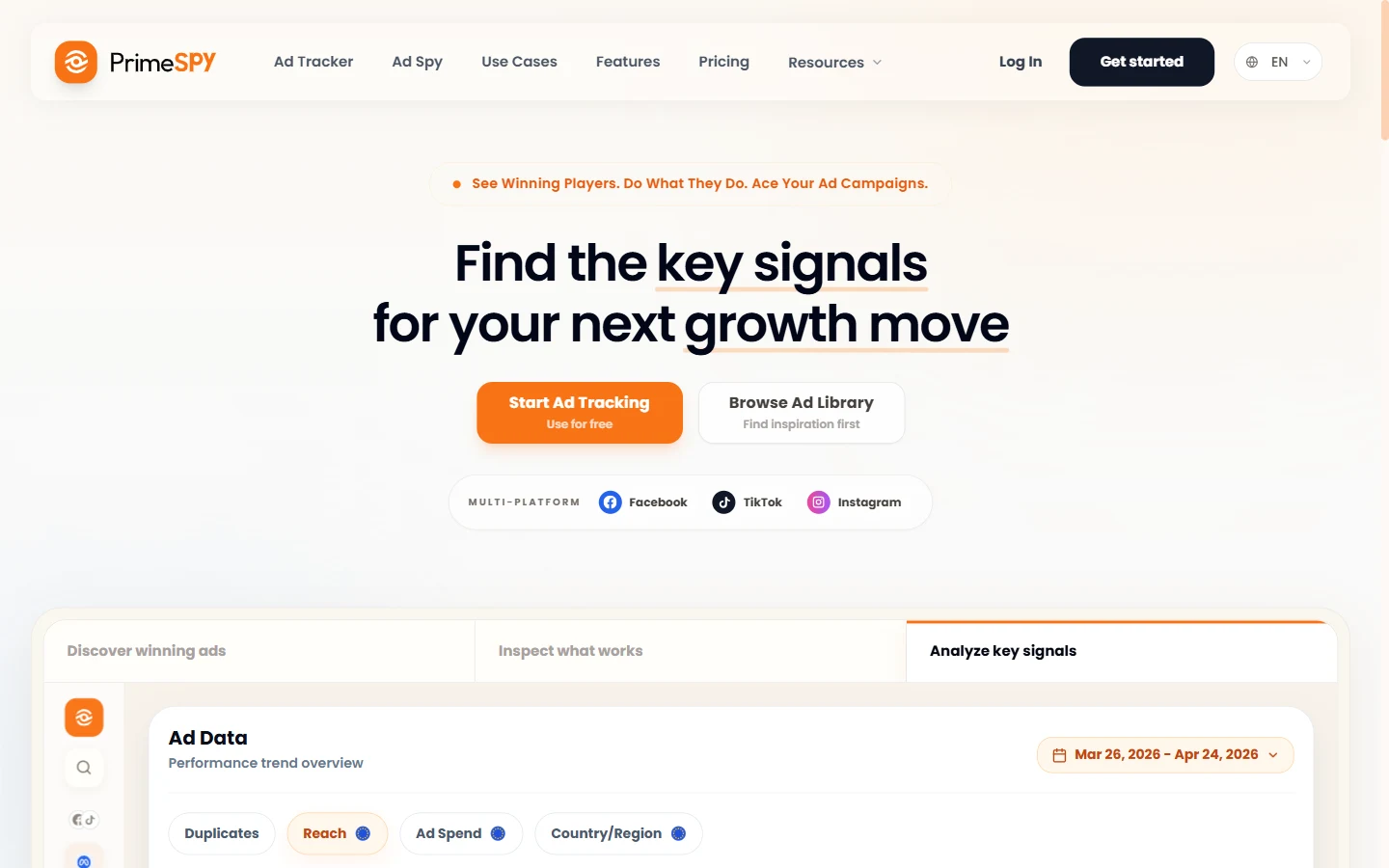
When ad research becomes a weekly job, separate library searches are hard to keep organized. We built PrimeSpy to bring Meta, TikTok, and Google research together. Search by keyword, URL, or advertiser, then examine the creative and landing-page angles you find. For Meta ads, you can narrow results by country, format, CTA, running time, and other signals. Ad Tracker helps you follow competitors; saved ads give your next brief a starting point. Ecommerce teams can also explore Daily Top Products. The free trial includes 500 credits and two ad trackers, with no credit card required.
7. SpyFu
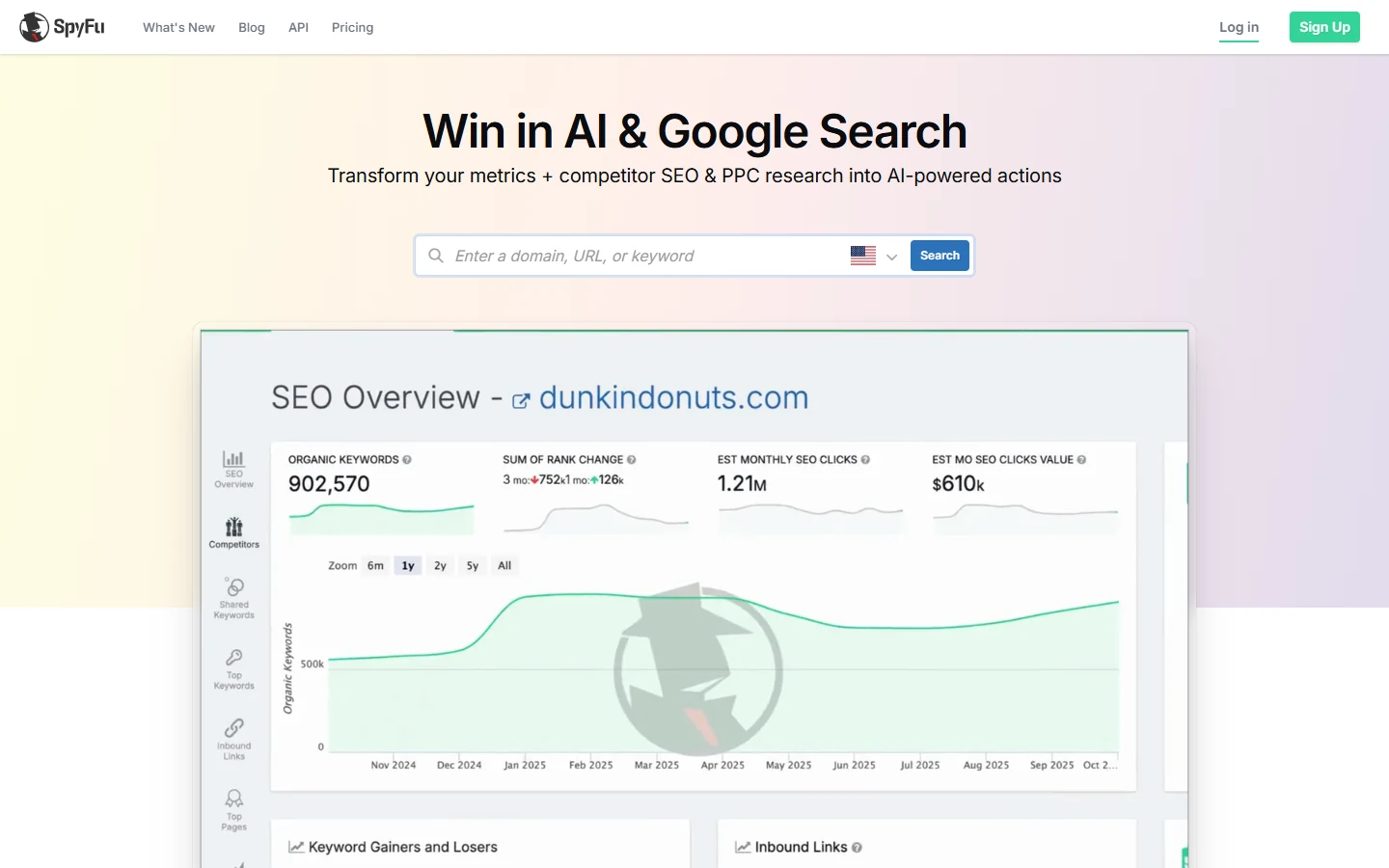
Say a rival keeps the same offer in its Google ads but changes the headline. SpyFu lets a PPC team look into that advertiser’s paid keywords, copy, and history by domain. It is a search planning tool, not a gallery of TikTok videos. Repeated messages may suggest a landing-page or copy test for your own campaign; your account data will tell you how that test performs. The Basic plan costs $39 per month. SpyFu’s spend and traffic numbers are third-party estimates rather than figures from the competitor’s Google Ads account.
8. TrendTrack
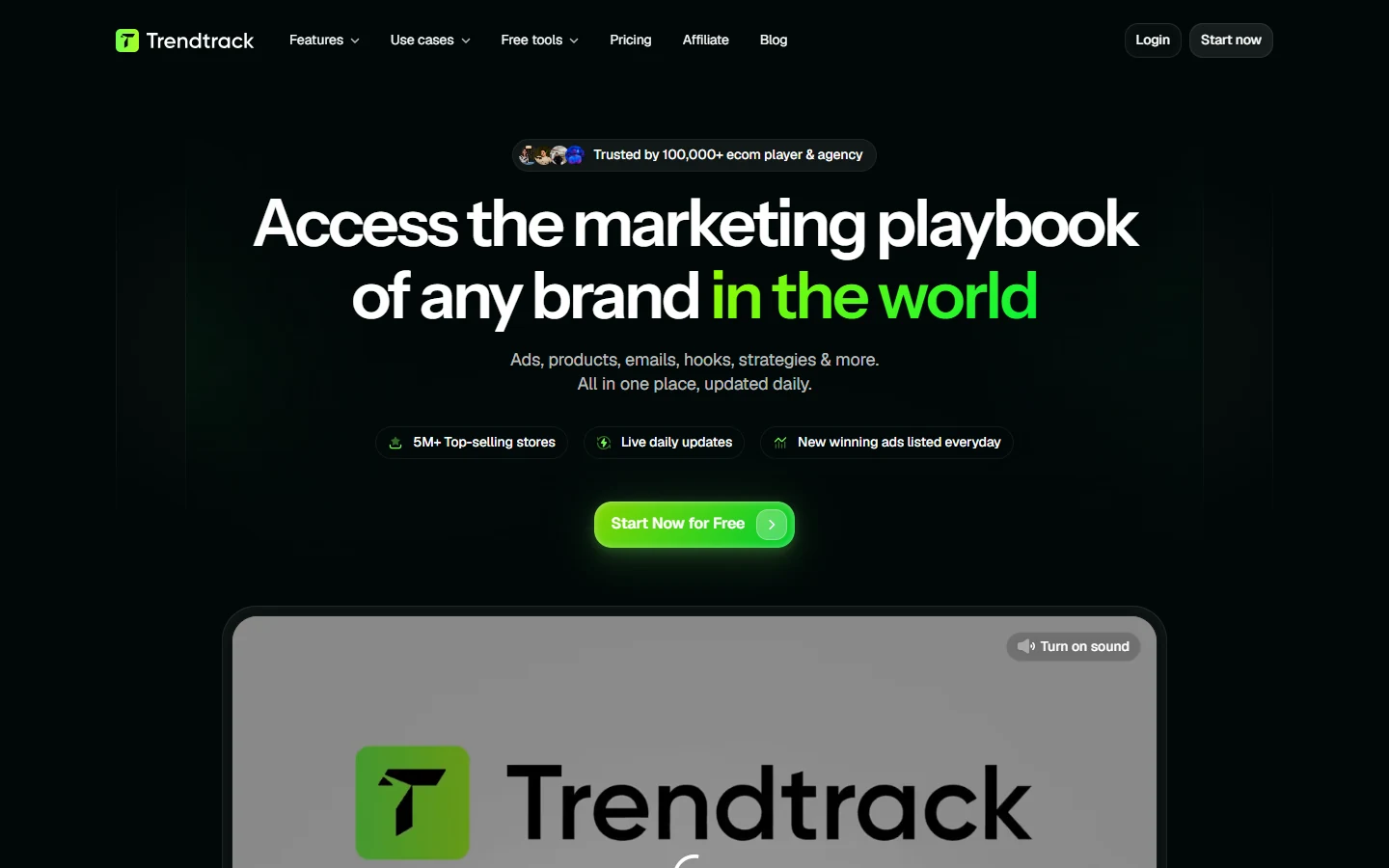
The ad may be clear enough; the store behind it is the missing piece. TrendTrack puts store exploration beside ad research, so ecommerce teams can compare a creative with the product range and offer on the site. Follow a store and note where the message changes between ad and product page. That is more relevant to an ecommerce operator than to a team buying only Google search traffic. Starter costs $42 per month when billed yearly. Monthly billing and usage limits differ, and store estimates are leads to investigate rather than verified sales.
9. BigSpy
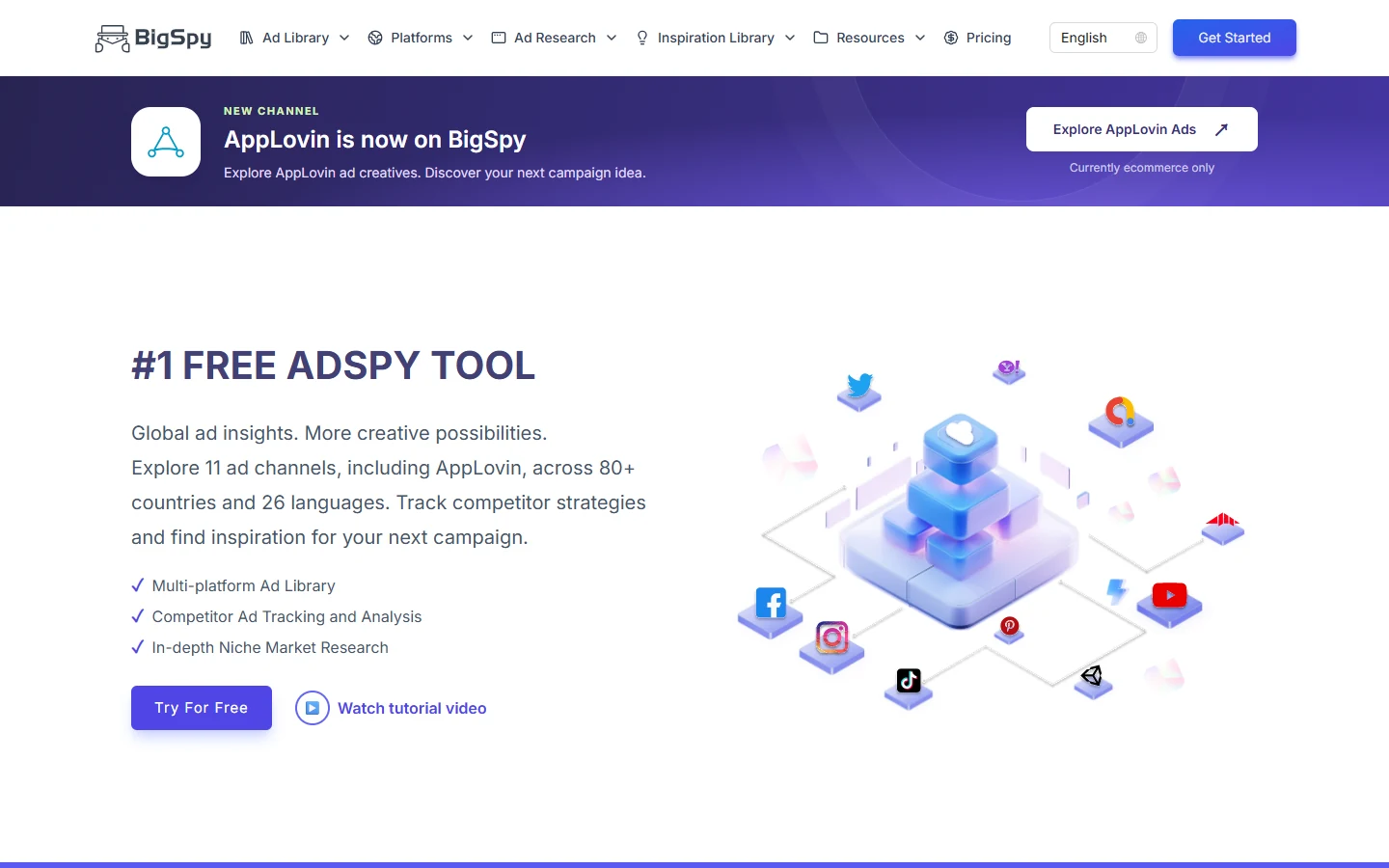
BigSpy is handy when a brief spans several channels. It brings Facebook, Instagram, TikTok, YouTube, and other supported ads into one discovery workflow. The broad coverage needs a specific search, though. Pick a market, channel, format, and product category before you start saving examples; one loose keyword can produce a lot of noise. Limited free access gives you a way to explore the interface. Paid plans start at $69 per month, with network access depending on the plan. Check that coverage against the specialist tool you might otherwise use.
10. Foreplay
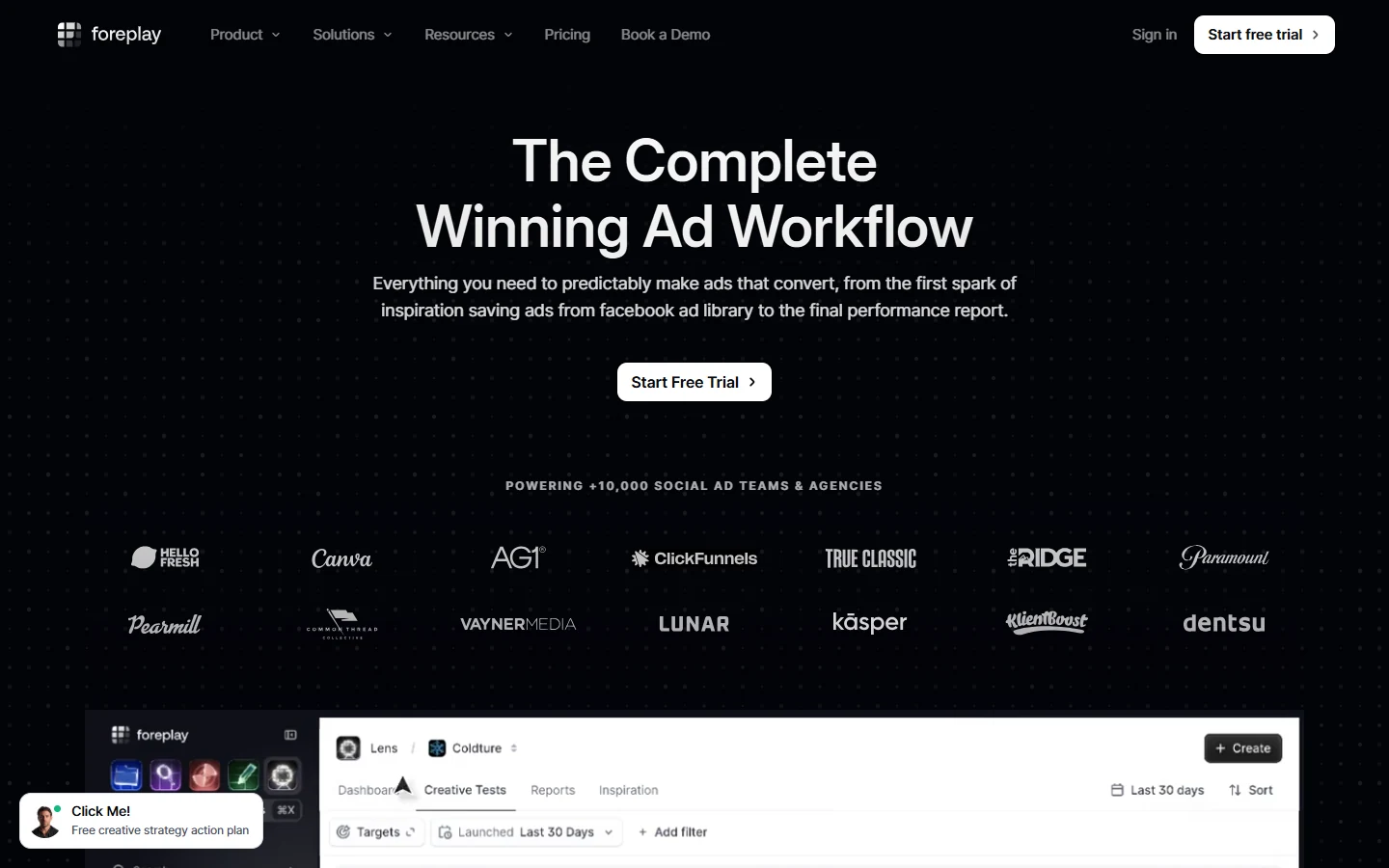
An ad can be easy to find and hard to explain to the rest of the team. Foreplay helps with that handoff. Swipe File holds references, Spyder follows competitors, and Briefs turns examples into material a designer, strategist, or client can discuss. It addresses organization and collaboration rather than Google paid-keyword research. When you save an example, note the hook, proof, or offer that made it useful; otherwise your library becomes a folder nobody opens. Plans start at $49 per month. The seven-day trial requires a card and can become a paid subscription, so check its terms.
Which option is best for social ad creative?
For a quick look at one Meta advertiser, the official library does the job. Compare the active versions in the country you sell to. If the work comes back every week and includes TikTok, PrimeSpy lets you search by brand or category, narrow what you find, inspect landing pages, and follow new ads from competitors. Keep promising examples in a list for the next test-planning session. BigSpy offers another route to multi-platform discovery. Foreplay becomes more relevant when the examples are easy to find but difficult to hand over to designers or clients.
TikTok research asks you to watch, not just scan. Open Creative Center with the sound on. How long before the product appears? Who speaks first? Is the proof a demonstration, a testimonial, or a comparison? If the video leaves you curious about the store or product, Minea and TrendTrack can add that context. PrimeSpy’s Daily Top Products offers another way for ecommerce teams to find product and creative angles to investigate. Use those observations to write an original brief for the next campaign, with the hook and proof your own product can support.
Which option is best for PPC and search ads?
The free Google Ads Transparency Center answers a straightforward question: what does this advertiser say in its ads? For teams comparing those examples with Meta and TikTok creative, PrimeSpy keeps the research in one workflow. Paid search keywords are a different job. SpyFu lets you examine keyword and ad-copy history, while Semrush places that PPC work beside SEO and wider display or video research. Think about what starts your day: reviewing competitor ads or investigating search terms. That distinction will narrow the choice faster than a long feature list.
A keyword from a third-party database can give you a test idea, but it cannot tell you a rival’s current bid, cost per lead, or conversion rate. First ask whether the phrase fits your product and landing page. Then check your own search terms, auction insights, and conversion reports before giving it budget. The useful output of competitor research is a test you can measure in your account, not a guess about the other company’s results.
Ecommerce teams need broader signals
A product can look simple in an ad, yet the offer may depend on a bundle, discount, subscription, or landing page. Follow an interesting creative through to its destination. Note the product, displayed price, offer, claim, and proof on the page. Minea and TrendTrack help you examine the store and product behind the promotion. PrimeSpy helps with the advertising side: discover related ads, compare creative and landing-page angles, watch for new competitor campaigns, and save the examples your team wants to discuss.
You could search a product category in PrimeSpy, narrow it to your target market, and pick three advertisers selling the same benefit. Look at how each one demonstrates it and where the click leads: a product page, a bundle, or an educational page. Save the ads worth discussing and add those brands to Ad Tracker. When it is time to write a brief, the team has concrete examples and a question to test. Nobody needs to rebuild the research from old tabs and screenshots.
Practical recommendations by team type
A list of ten tools is not a shopping list. Try the free source for your primary channel first. If the same question keeps coming back, test a paid tool on that task. The suggestions below match common team setups, but the deciding factor is what you need to do each week. Run one real search in each shortlisted product and compare what you find, how much filtering it takes, and what your budget actually unlocks.
- Small ecommerce brand: Start with Meta Ad Library and TikTok Creative Center. Try Minea or TrendTrack when product and store context becomes a regular need.
- Social creative team: Use the official libraries for source checks. Explore Meta and TikTok ads in PrimeSpy, compare BigSpy for wider discovery, and use Foreplay for shared briefs.
- Google PPC specialist: Check an advertiser in Google Ads Transparency Center. Use PrimeSpy when Google creative research sits alongside social ads; compare SpyFu and Semrush for keyword history.
- B2B marketer: Pair Google advertiser checks with the LinkedIn Ad Library. Add paid search research only when it affects recurring campaign decisions.
- Ecommerce agency: Test PrimeSpy for repeat competitor monitoring, Minea or TrendTrack for offer research, and Foreplay when several people need the same creative references.
Selection checklist for ad spy tools
Make the trial part of work you already have to do. Choose two competitors, one market, and a question such as “Which product demonstration angles appeared this month?” Search the official library, then repeat the task in the paid tool. Did you find relevant ads, understand the context, and save enough for a teammate to use? That tells you more than a feature page, particularly if the plan limits searches, credits, or access to the channel you need.
- Coverage: Does the tool show the platform, market, and ad format you buy?
- Search: Can you find advertisers you already know, then filter by useful dates and terms?
- Context: Can you see the creative, destination, offer, and source together?
- History: Does it help you see changes over time, or only what is live now?
- Signals: Can you compare useful details such as running time, duplicate creatives, reach, or ad changes?
- Workflow: Can a teammate understand a saved ad without asking you to explain it again?
- Cost: Are the searches, credits, seats, and channels you need included in the quoted plan?
If three skincare ads open with a product demonstration, write down each hook and its landing-page offer. What concern are those advertisers trying to answer? That gives you a starting question for an original test using your own claim and proof. The ads suggest an angle to investigate; your campaign results show whether your version worked.