12 Best Ad Intelligence Tools to Spy on Competitors & Find Winning Ads
- Author
- PrimeSpy Research Team
- Published
- Jul 6, 2026
- Updated
- Jul 30, 2026

Summary: Ad intelligence tools help marketers move beyond guessing by revealing competitor ads, creative patterns, offers, landing pages, and market trends across paid channels. This guide compares 12 leading tools for 2026 and explains how to choose the right platform based on ad channels, data freshness, search depth, creative analysis, team workflow, and pricing.
Introduction
Running successful advertising campaigns has never been more challenging. Rising advertising costs, shorter creative lifecycles, privacy regulations, and AI-generated content have fundamentally changed how marketers compete. Simply creating more ads is no longer enough—understanding what works before launching a campaign has become a competitive advantage.
That is why ad intelligence tools have become so useful.
A good ad intelligence platform helps you find winning ads, track competitors, spot creative patterns, study offers, and catch new opportunities across paid channels. Instead of guessing what might work, teams can make decisions based on real ads already running in the market.
Whether you’re running an ecommerce brand, managing paid campaigns for clients, scaling a mobile app, or researching your competitors, the right ad intelligence platform can significantly reduce testing costs and improve campaign performance.
In this guide, we review the 12 best ad intelligence tools in 2026. We compare them by database quality, platform coverage, search features, competitor research, pricing, and overall value. We also explain how ad intelligence tools work, which features actually matter, and how to choose the best option for your business.
What are Ad Intelligence Tools?
Definition
Ad intelligence tools are software platforms that collect, organize, and analyze advertising data from public ad libraries, search engines, social platforms, display networks, mobile apps, and other paid media sources.
They help marketers see which ads competitors are running, where those ads appear, how long they have been active, what messaging angles they use, and which landing pages they send traffic to.

How They Work
Most ad intelligence software gathers data from a mix of sources: public ad libraries, transparency centers, web crawlers, panel data, publisher networks, search results, and direct platform integrations.
The tool then turns raw ad records into searchable data. You can usually filter by advertiser, keyword, platform, country, ad format, date range, engagement, estimated spend, or landing page. More advanced tools add AI creative analysis, ad longevity signals, saved boards, alerts, exports, and team workflows.
Ad Intelligence vs. Ad Spy vs. Ad Tracker vs. Ad Library
These terms are often used interchangeably, but they refer to different types of tools.
| Tool Type | Primary Purpose | Typical Features | Best For |
|---|---|---|---|
| Ad Intelligence Tool | Competitive advertising research | Competitor analysis, creative trends, AI insights, landing pages, historical ads | Marketing teams, agencies, ecommerce brands |
| Ad Spy Tool | Find advertisements | Keyword search, advertiser search, creative discovery | Creative inspiration and competitor research |
| Ad Tracker | Monitor advertising changes over time | Alerts, campaign monitoring, ad history, activity tracking | Ongoing competitor monitoring |
| Ad Library | Public advertising archive | Search active ads with limited filtering | Transparency and basic research |
An ad intelligence platform often combines the capabilities of ad spy tools, ad trackers, and ad libraries into a single solution. Rather than simply showing advertisements, it helps marketers understand why campaigns succeed and how competitors adapt over time.
A simple way to think about it:
- Ad libraries help you see ads.
- Ad spy tools help you find competitor ads.
- Ad trackers help you monitor changes.
- Ad intelligence tools help you turn ad data into decisions.
Why Ad Intelligence Matters in 2026
Digital advertising is more crowded than it used to be. Brands are producing more creative, testing new markets faster, and using AI to speed up almost every part of campaign production. That makes competitor research much harder to ignore. Here are five reasons why online ad intelligence tool has become indispensable in 2026.
Rising Ad Costs
Ad costs have climbed across most major platforms over the past several years. More brands are competing for the same audiences, and customer acquisition is getting more expensive.
When teams launch campaigns without knowing what is already working, they often spend too much on avoidable tests. Ad intelligence tools help reduce that waste by showing which messages, offers, and creative formats are already gaining traction. Instead of starting from zero, marketers can build from signals the market has already validated.
Creative Fatigue Happens Faster
People see ads all day, across every feed, app, and search result. Because of that, creative fatigue sets in faster than it did a few years ago. Strong advertisers refresh their images, videos, headlines, hooks, calls to action, and offers regularly. The hard part is knowing what to test next.
Ad intelligence platforms help marketers see when competitors launch new creative, which angles are becoming common, and which trends are starting to pick up before performance drops.
Competitors Move Quickly
AI tools and automation have made it easier to launch campaigns at speed. Brands can now produce dozens of creative variations, test multiple audiences, run campaigns across several platforms, and adjust much faster than before.
Without steady competitor monitoring, it is easy to miss what is changing in the market. Ad intelligence tools give teams a clearer view of how competitors are shifting their messaging, offers, and creative strategy.

AI Has Increased Creative Volume
Generative AI has made ad production much faster. A team that once created five ads can now generate hundreds. That creates a new problem: volume is no longer the bottleneck. Finding the creative that actually works is.
Modern ad intelligence platforms increasingly use AI search, creative clustering, and trend detection to help marketers find useful signals without manually reviewing thousands of ads.
Privacy Changes Have Reduced Visibility
Privacy regulations and platform policy changes have made user-level advertising data harder to access and less reliable.
As third-party tracking becomes weaker, competitive intelligence has become a more useful source of market insight. Marketers now study public ad activity, creative strategy, messaging patterns, and campaign longevity to understand what is working in their category. That shift has made ad intelligence a core part of modern marketing research.
How We Tested These Ad Intelligence Tools?
Not every ad intelligence platform serves the same purpose. Some specialize in social media advertising, while others focus on PPC research, display advertising, or mobile app marketing.
To create a balanced comparison, we evaluated each tool through a buyer workflow, not just a feature checklist. Our evaluation focused on the following factors:
| Evaluation Criteria | What We Looked For |
|---|---|
| Platform Coverage | Support for Meta, TikTok, Google, YouTube, display, and other ad channels |
| Database Quality | Size, depth, and geographic coverage of the advertising database |
| Data Freshness | How frequently new ads are indexed and updated |
| Search Experience | Keyword search, filters, image search, AI search, and advertiser lookup |
| Competitive Research | Brand monitoring, historical ads, campaign tracking, and landing page discovery |
| Creative Insights | AI analysis, trend detection, and creative organization features |
| Ease of Use | Interface design, learning curve, and workflow efficiency |
| Pricing & Value | Overall feature-to-price ratio for different business sizes |
Rather than ranking tools solely by popularity, we considered how well each platform supports real marketing workflows—from discovering winning creatives to monitoring competitors and generating campaign ideas.
Top 12 Ad Intelligence Tools Tested & Compared
1. PrimeSpy: Best Multi-Channel Competitive Ad Intelligence Tool for Social Ads
Overall Rating: ⭐⭐⭐⭐⭐ (4.9/5)
Best For: Ecommerce brands, agencies, dropshippers, TikTok Shop sellers, affiliate marketers, and growth teams that need fast competitive ad research across multiple social platforms.
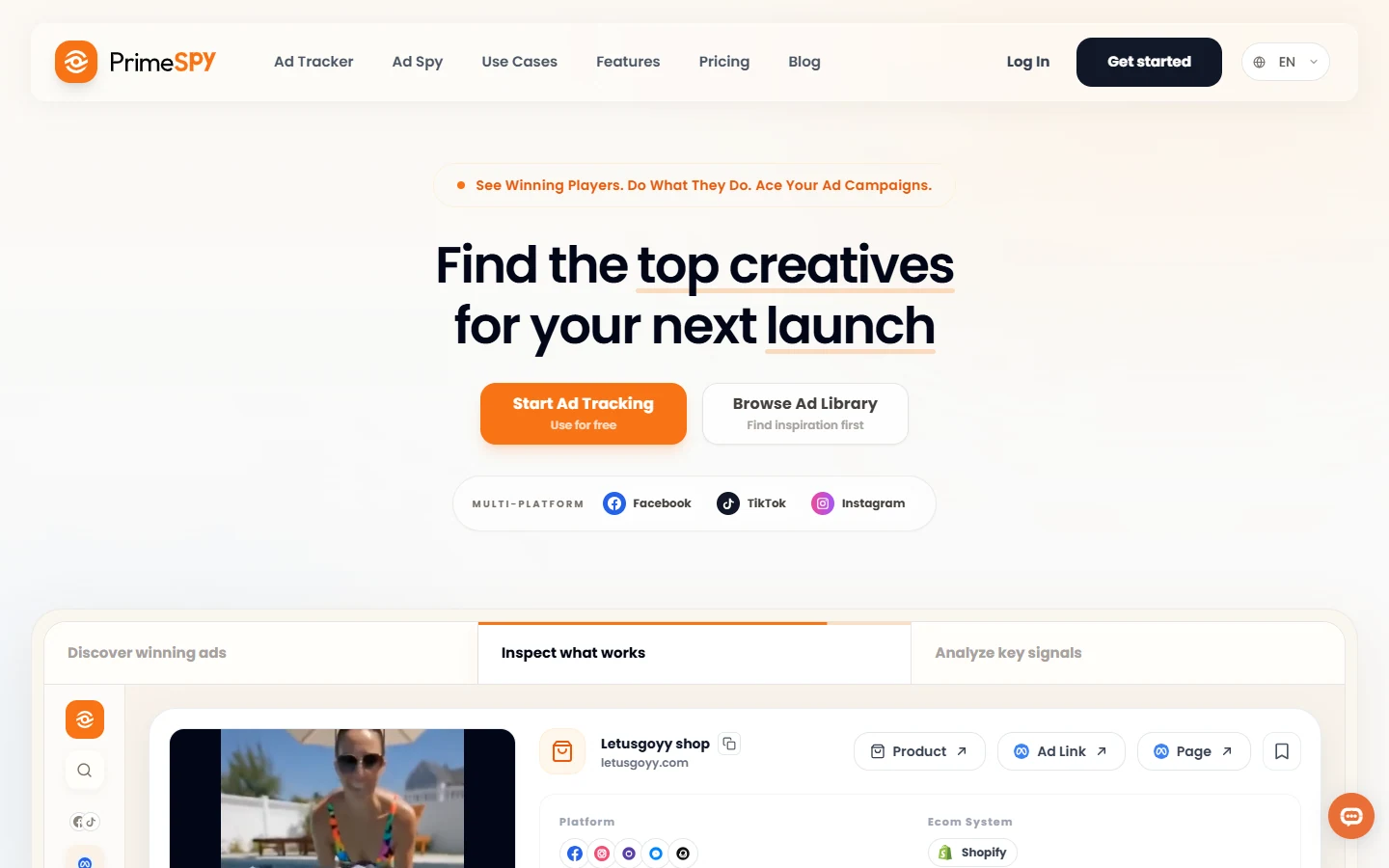
PrimeSpy is built for marketers who need to find winning ads quickly without digging through noisy public ad libraries one by one. It helps users search competitor ads, monitor brands, save creatives, and track social ad activity from a cleaner research workspace. For teams that move fast, the biggest value is speed: you can go from a product idea or competitor URL to real ad examples, creative angles, and tracker setup in a short session.
Key Features:
- Smart Search lets users search by keyword, advertiser, and URL, which is useful when you know the competitor or product angle but do not know the exact brand page.
- Meta Library search gives users a faster way to browse Facebook and Instagram ads with filters that feel more practical for marketers than the native library.
- Ad trackers help teams monitor competitors over time with real-time updates instead of doing one-off research before every campaign launch.
- Daily Top Products gives ecommerce and dropshipping users a shortcut for spotting product trends and ad angles worth validating.
- Saved Lists and creative downloads make it easier to turn research into swipe files, briefs, and test queues.
Pro:
- The free plan gives users 500 credits and 2 ad trackers, which is enough to test the workflow before paying.
- No credit card is required to start, so small teams can validate the tool without procurement friction.
- The interface is focused on practical ad research, not enterprise reporting, which makes it easier for growth teams to move from search to action.
- It works especially well for users who care about social creative patterns, product hooks, competitor monitoring, and fast research loops.
Cons:
- Some advanced modules, such as TikTok Ads Library and AI Insights, are coming soon. That is a fair trade-off if your current priority is Meta ad research and competitor tracking.
- The credit model requires users to be intentional with research. For most ecommerce teams, this is acceptable because it keeps the free entry point generous while supporting heavier users through Pro.
Pricing:
PrimeSpy offers a free Trial plan at $0/month with 500 credits, 2 ad trackers, and no credit card required. Pro starts at $9.99/month and includes 20,000 credits, 20 ad trackers, full Meta ad analytics, saved list export, creative downloads, and priority support.
2. Semrush AdClarity: Best Enterprise Ad Intelligence Tool for Display, Video, and Social
Overall Rating: ⭐⭐⭐⭐☆ (4.6/5)
Best For: Enterprise marketing teams, media buyers, agencies, and brand strategists that need competitor ad spend, publisher, placement, and channel mix data.
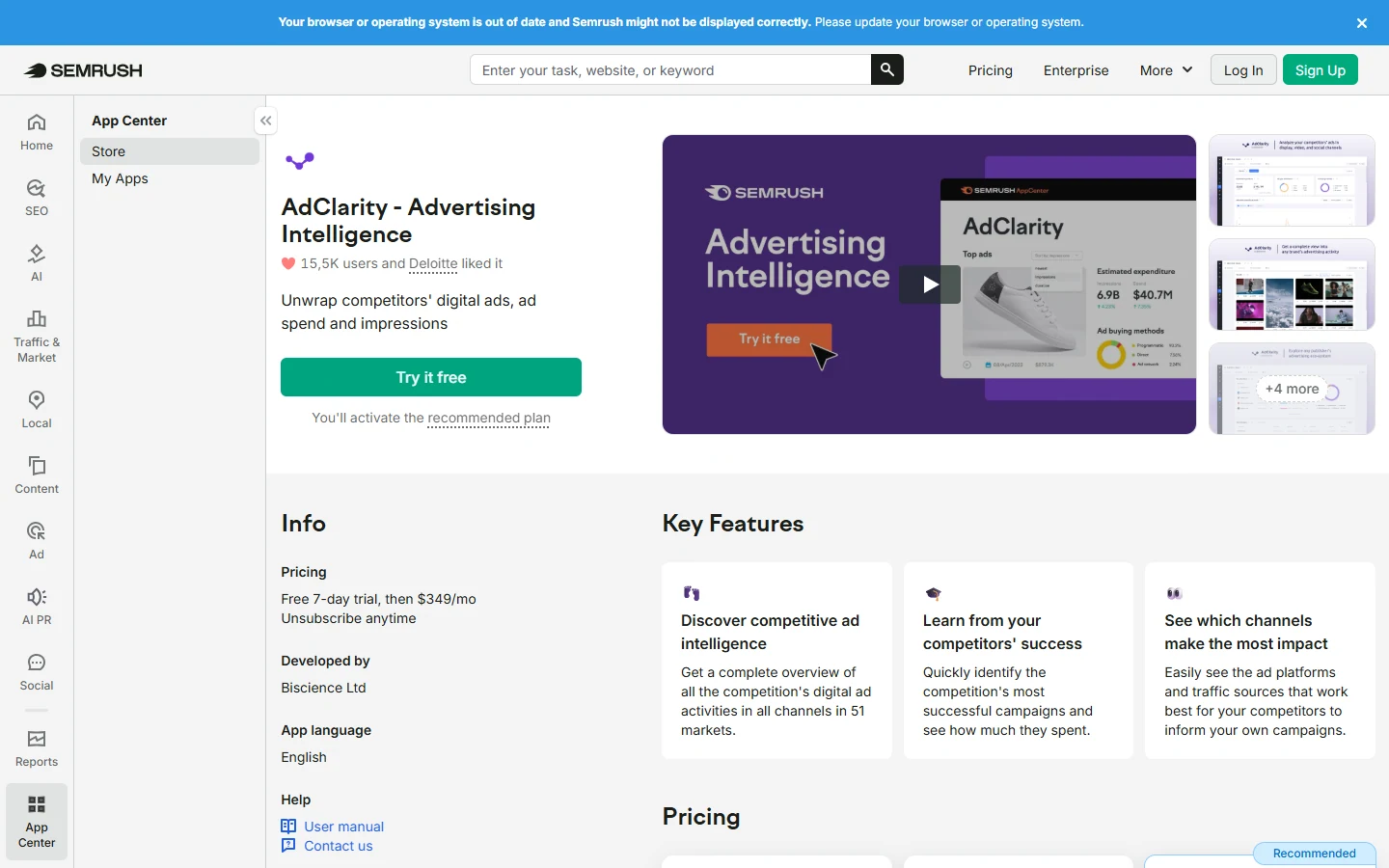
Semrush AdClarity is a serious advertising intelligence product for teams that care about where competitors are spending, which publishers they use, and how their display, video, and social campaigns change over time. It is less about collecting swipe-file inspiration and more about competitive media planning. If your team already uses Semrush, AdClarity fits naturally into a broader SEO, PPC, and market research workflow.
Key Features:
- Channel-level intelligence helps teams compare display, video, and social activity instead of judging competitors from one platform.
- Advertiser, publisher, campaign, and keyword reports help users answer specific media planning questions.
- Spend and impression estimates help teams understand relative investment, share of voice, and placement strategy.
- Market selection allows teams to study competitor campaigns by geography.
- Exportable reports make it useful for agency decks, executive reviews, and internal media planning.
Pros:
- Strong coverage for display, video, and social campaign analysis.
- Useful for benchmarking competitor media mix and estimated ad spend.
- Works well for teams already using Semrush for SEO, PPC, and competitive research.
- Better for strategic planning than basic ad spy tools.
Cons:
- Entry cost is higher than most social ad spy tools.
- Additional markets cost extra, which can add up for global teams.
- Smaller ecommerce teams may find the reporting workflow heavier than they need.
Pricing:
Semrush AdClarity Starter costs $129/month and includes a 7-day free trial. Professional costs $298/month and also includes a 7-day free trial. Team costs $349/month. Additional markets cost $69/month each.
3. SocialPeta: Best Global Ad Intelligence Platform for Apps and Games
Overall Rating: ⭐⭐⭐⭐☆ (4.7/5)
Best For: Mobile app marketers, game studios, user acquisition teams, app publishers, and global growth teams that need creative intelligence across countries and ad networks.
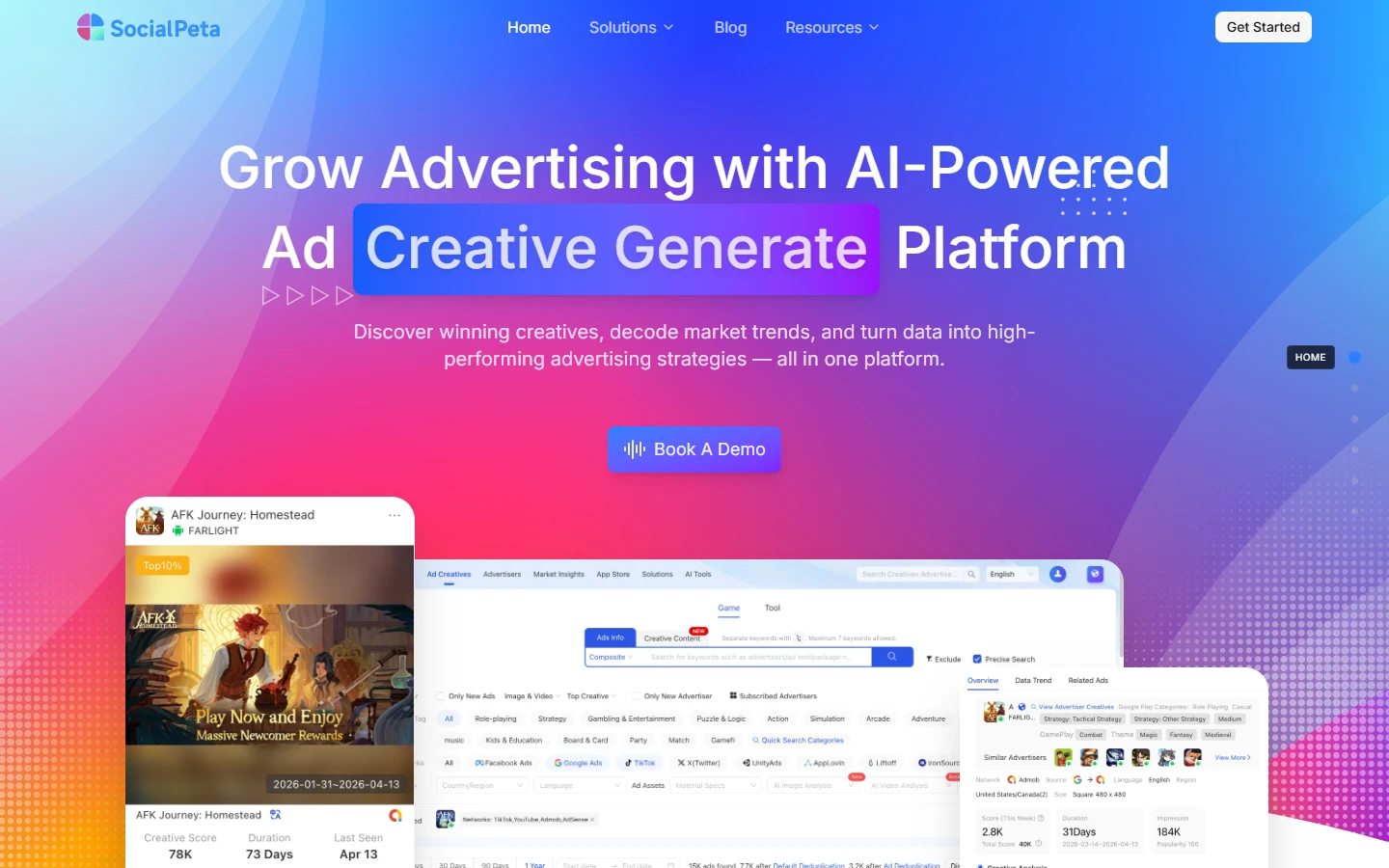
SocialPeta is one of the strongest options for mobile app and game advertising intelligence. Its value comes from scale: creative libraries, market signals, app categories, advertiser trends, and region-level insights. For user acquisition teams, it helps answer questions like which creatives are appearing in a category, what hooks competitors use, and how ad strategies differ by region.
Key Features:
- Global creative database helps app and game teams study ads across countries, categories, and networks.
- Creative analysis breaks down visual elements, hooks, selling points, gameplay scenes, and story structures.
- App and game intelligence helps marketers connect creative trends with category movement.
- Market signals help teams spot saturated angles and underused creative opportunities.
- AI-assisted creative analysis can help teams turn competitor ads into new testing ideas.
Pros:
- Very strong for mobile games, utility apps, GenAI apps, short drama apps, and global app campaigns.
- Useful for studying creative themes across regions rather than only one advertiser.
- Good fit for user acquisition teams that need volume, category context, and creative pattern recognition.
- Covers use cases many general ad spy tools do not handle well.
Cons:
- Trial access is not as transparent as tools with self-serve free plans.
- Teams focused only on Meta ecommerce ads may find SocialPeta broader than necessary.
Pricing: SocialPeta uses custom pricing. Public dollar amounts are not listed.
4. Adheart: Best Meta Ad Intelligence Tool for Facebook and Instagram Creative Research
Overall Rating: ⭐⭐⭐⭐☆ (4.6/5)
Best For: Facebook media buyers, Instagram advertisers, ecommerce founders, affiliate marketers, and agencies that need focused Meta ad research.
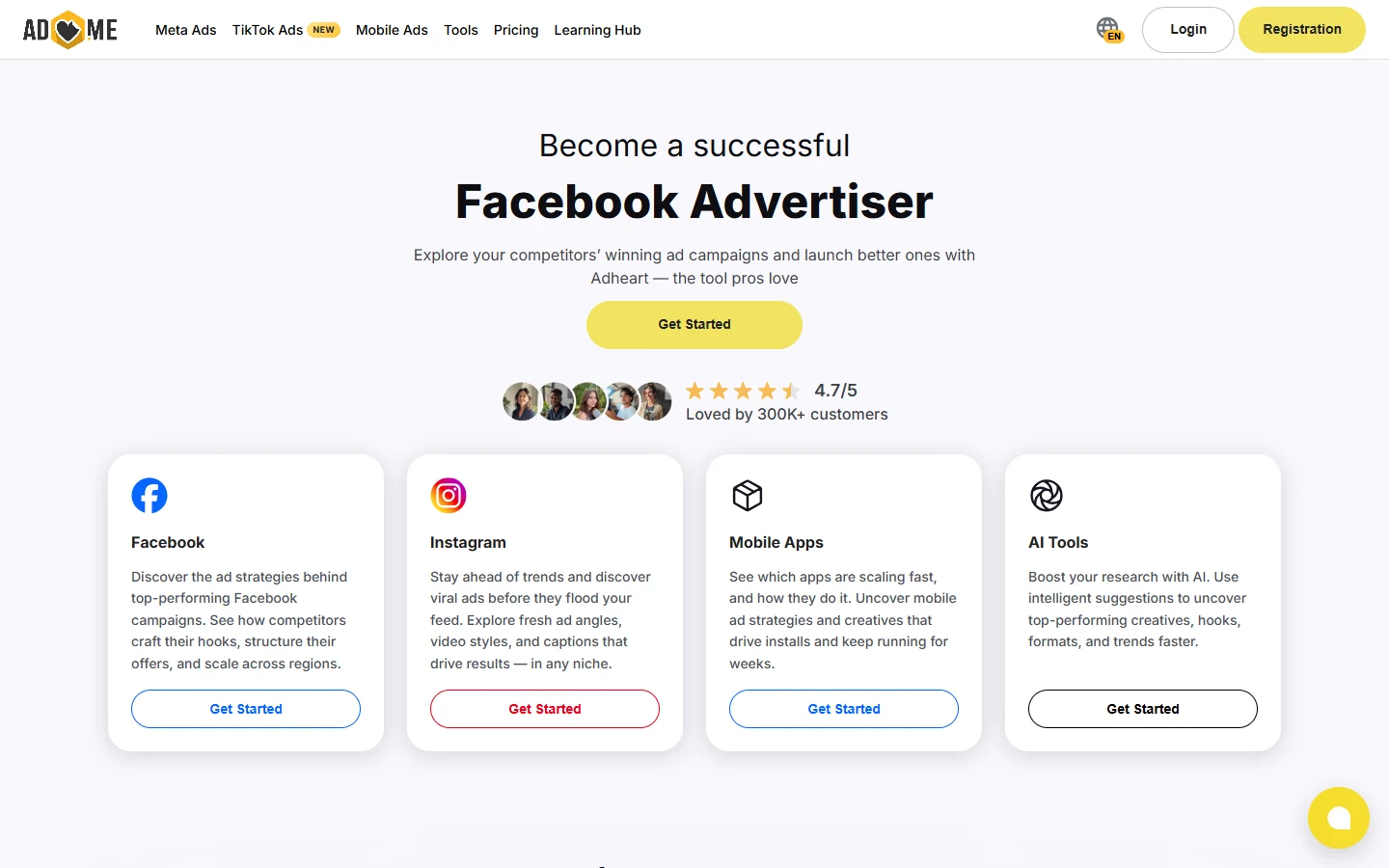
Adheart is a focused Meta ad intelligence tool for finding, tracking, and analyzing Facebook and Instagram ads. It is especially useful for teams that want competitor creative examples, niche research, and geographic filters without buying a broad enterprise platform. The product is practical: search ads, inspect creatives, track competitors, and pull ideas into your own testing workflow.
Key Features:
- Meta ad research helps users study Facebook and Instagram creatives by niche, advertiser, and region.
- Competitor tracking gives teams a way to watch active brands instead of repeating manual searches.
- GEO filters help advertisers see how competitors localize ads across markets.
- Niche and category access helps ecommerce users find patterns beyond direct competitors.
- AI tools and creative uniquifier on Pro help users move from research to new creative variations.
Pros:
- Strong fit for Facebook and Instagram creative research.
- Public pricing is easy to understand.
- Good balance between ad discovery, tracking, and creative workflow.
- Useful for ecommerce teams that need fresh Meta ad ideas every week.
Cons:
- The main strength is Meta, so teams needing TikTok-first research may still want PiPiAds or Minea.
- The Start plan is useful, but serious researchers will likely need Pro for deeper insights.
- Team workflows require a custom plan.
Pricing:
Adheart Start costs $69/month. Pro costs $99/month monthly, or $89/month on annual billing. Team is custom. There is no standard free trial listed, but Adheart offers a 2-week money-back guarantee.
5. BigSpy: Best Large-Scale Multi-Platform Ad Database
Overall Rating: ⭐⭐⭐⭐☆ (4.4/5)
Best For: Solo marketers, ecommerce operators, affiliates, dropshippers, and small teams that want a large ad database for broad creative discovery.
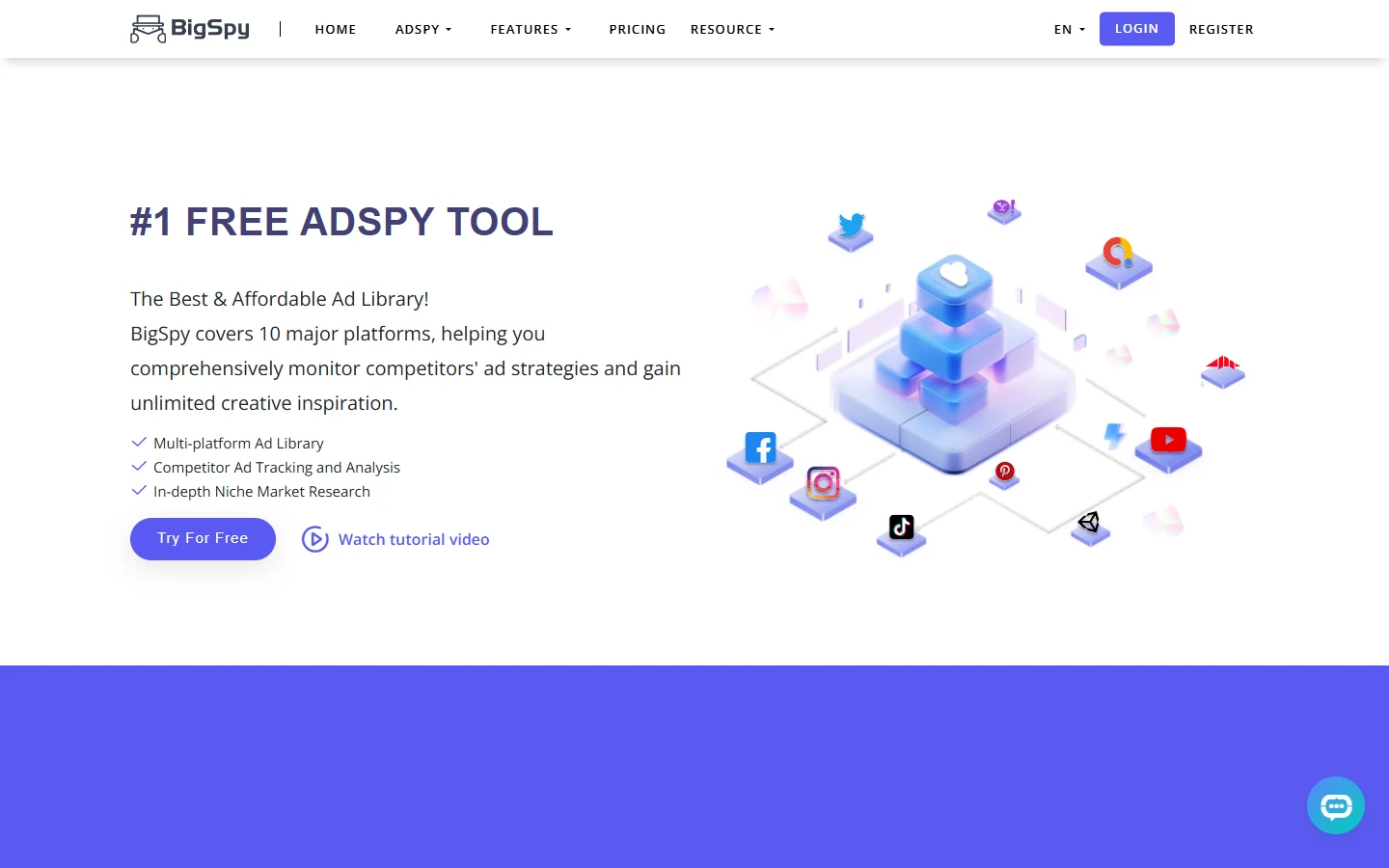
BigSpy is one of the most recognizable ad spy tools because of its large creative database and wide platform coverage. It works best as a fast inspiration engine: search a niche, scan active and historical ads, filter by platform or engagement, and save ideas for later testing. It is useful when you want breadth more than deep strategic reporting.
Key Features:
- Large ad database helps users quickly find creative examples across many categories.
- Platform filters help marketers compare ad formats across Facebook, Instagram, TikTok-style placements, native, and other channels.
- Engagement and duration signals help users spot ads that may have stayed active long enough to matter.
- Page analysis helps users move from ad creative to advertiser-level research.
- Creative downloads support swipe-file building and competitive review.
Pros:
- Broad ad coverage makes it useful for fast creative browsing.
- Free plan gives new users a low-risk way to explore the database.
- Good for ecommerce and affiliate teams that need many examples quickly.
- Helpful for spotting repeated hooks, formats, and product angles.
Cons:
- The database can be noisy, so users still need judgment when selecting ads to model.
- Deeper ecommerce intelligence may require a more specialized tool like PrimeSpy or PiPiAds.
- Pricing can vary by plan and promotion, so users should check the live pricing page before buying.
Pricing:
BigSpy offers a Free plan at $0/month. Public pricing shows Pro at $149/month. Some pricing directories also list lower paid tiers starting at $9/month and a low-cost trial, but the official live pricing page should be treated as the source of truth.
6. PiPiAds: Best TikTok and Short-Video Ad Intelligence Tool for E-commerce
Overall Rating: ⭐⭐⭐⭐⭐ (4.8/5)
Best For: TikTok Shop sellers, dropshippers, DTC brands, short-video advertisers, product researchers, and ecommerce media buyers.
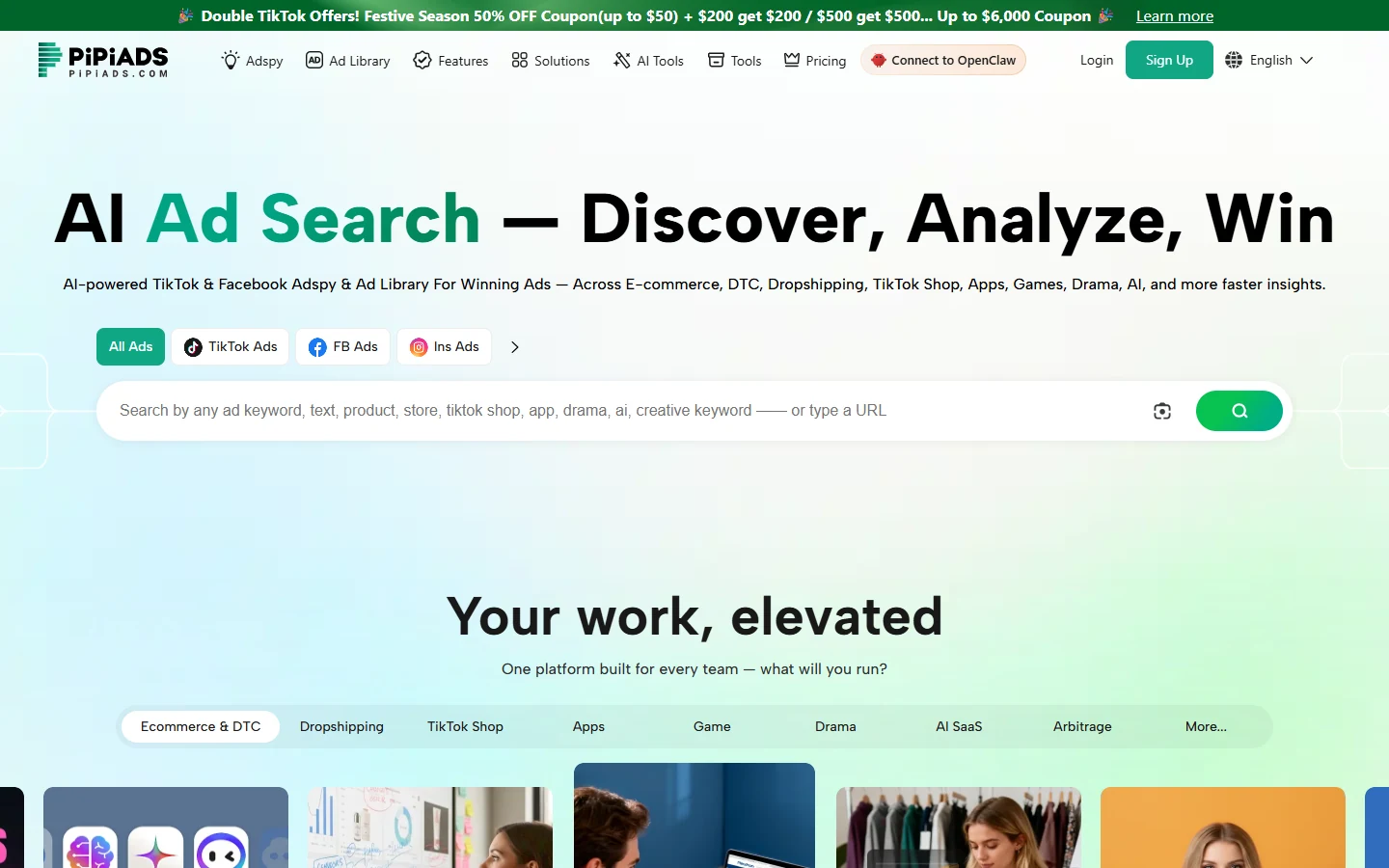
PiPiAds is one of the strongest tools for TikTok ad intelligence and ecommerce product discovery. It is built for teams that want to find winning short-video ads, products, stores, apps, and creative patterns. If your research starts with “what product is moving right now?” or “which TikTok ad angles are gaining traction?”, PiPiAds is one of the first tools to check.
Key Features:
- TikTok and Facebook ad search helps users study short-video creatives and ecommerce campaigns.
- Product and store discovery helps dropshippers and DTC teams identify products worth validating.
- Ad Tracker lets teams monitor selected ads or advertisers over time.
- Rankings for products, stores, apps, and advertisers help users spot momentum in a category.
- Credit-based detail views let users control research depth based on their plan.
Pros:
- Excellent for TikTok-first ecommerce research.
- Public pricing is clear and easy to compare.
- Free trial credits let users test the platform before committing.
- Strong fit for product research, ad angle discovery, and competitor monitoring.
Cons:
- The credit system can run down quickly for heavy researchers.
- Teams that need enterprise reporting may need a different platform.
- The best value depends on how often users need detailed ad and product views.
Pricing:
PiPiAds Basic costs $49/month promotional, regular $69/month. Advanced costs $99/month promotional, regular $159/month. Enterprise costs $900/month promotional, regular $1,999/month. Flexible team plans start at $180/month. New users receive free trial credits, with some feature limits.
7. Minea: Best Ad Intelligence Tool for E-commerce Product Research
Overall Rating: ⭐⭐⭐⭐☆ (4.6/5)
Best For: Dropshippers, DTC brands, ecommerce product researchers, Shopify store owners, and agencies looking for product and competitor ad signals.
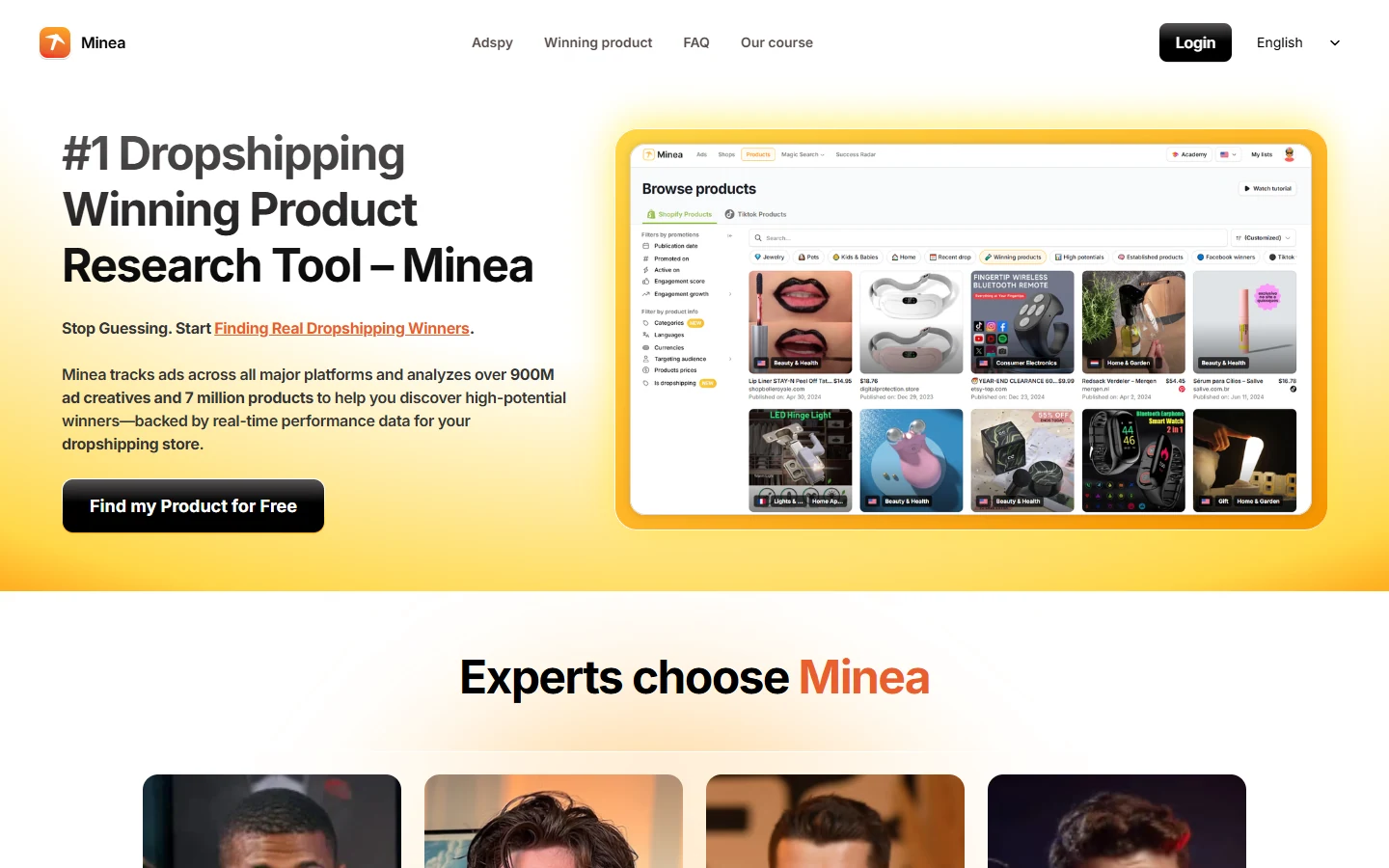
Minea is an ecommerce-focused ad intelligence tool that combines ad research, product discovery, store tracking, and influencer-style research. Its biggest advantage is that it does not stop at the ad. It helps users connect ads with products, stores, and market signals, which is useful when the goal is to find what to sell or which offer to test.
Key Features:
- Ad research helps users find Meta, TikTok, and Pinterest-style ecommerce creatives.
- Product discovery helps identify items with sales potential before building campaigns around them.
- Shop Spy helps users study competitor stores, product pages, and store-level patterns.
- Brand tracking lets users monitor competitors and product movements over time.
- AI analysis and transcripts help turn video ads into hooks, scripts, and creative notes.
Pros:
- Strong for ecommerce and dropshipping workflows.
- Better product context than many generic ad databases.
- Useful for researching the full path from ad to product to store.
- Good fit for teams that need both creative inspiration and product validation.
Cons:
- Credit and plan limits matter for heavy users.
- Some advanced ecommerce insights require higher tiers.
- Users focused only on PPC or display ads will need another tool.
Pricing:
Minea pricing shown publicly includes Starter around $49/month on some pricing references, higher live plan prices such as Premium at $99/month and Business at $199/month, with quarterly discounts available. Free access or trial-style entry is available, but limits can vary by plan and region.
8. PowerAdSpy: Best Cross-Platform Ad Spy Tool for Agencies and Media Buyers
Overall Rating: ⭐⭐⭐⭐☆ (4.3/5)
Best For: Agencies, media buyers, affiliate marketers, ecommerce teams, and advertisers that want ad research across many platforms from one dashboard.
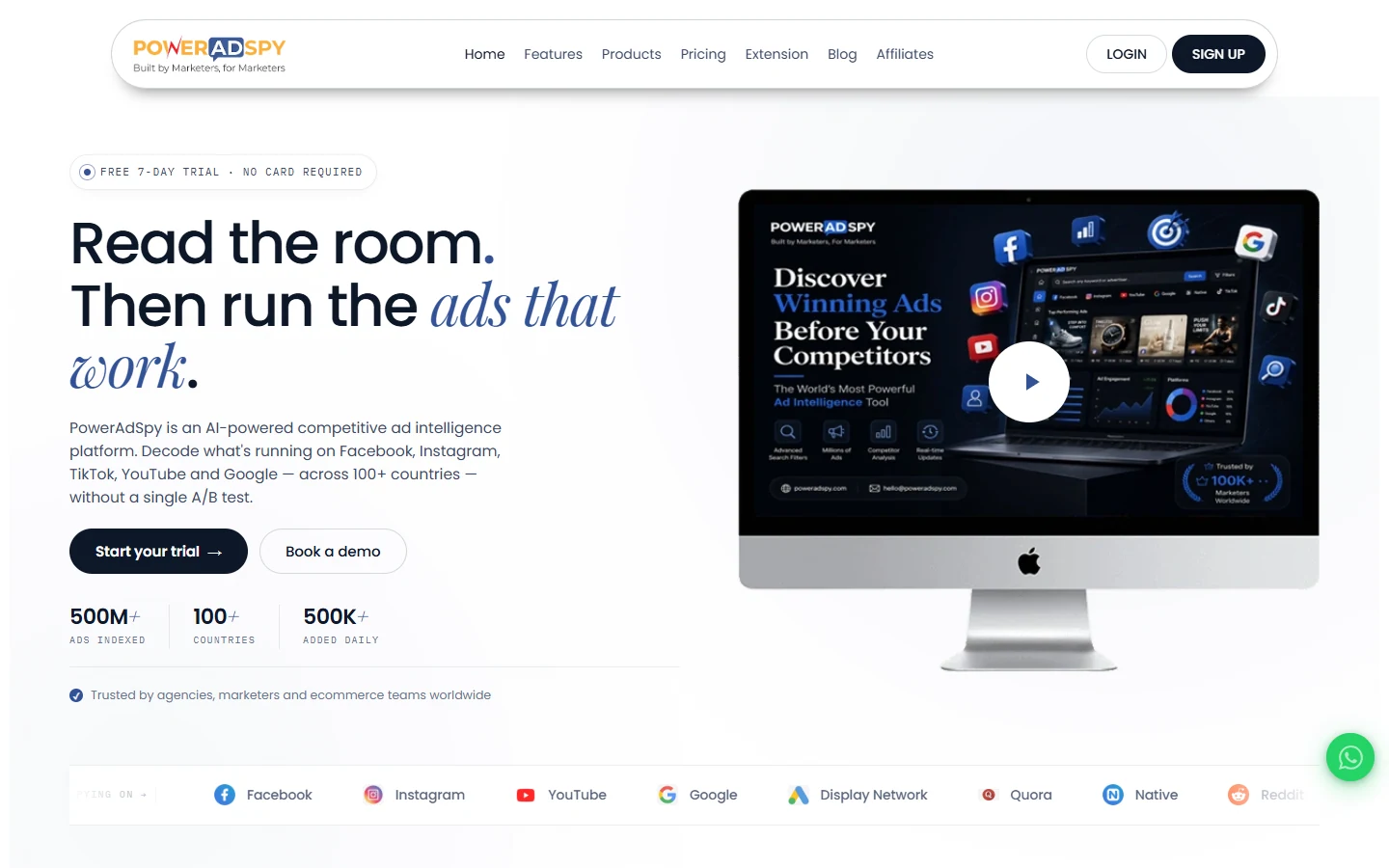
PowerAdSpy is built around platform breadth. It covers major channels such as Facebook, Instagram, Google, YouTube, native, display, Reddit, Quora, Pinterest, and LinkedIn. This makes it useful for agencies or media buyers who run research across more than one channel and do not want to maintain separate ad spy tools for every platform.
Key Features:
- Cross-platform ad search helps users research ads across social, search, display, native, and community platforms.
- Unlimited ad views on paid plans support high-volume research workflows.
- Filters by keyword, advertiser, country, ad type, CTA, and engagement help users narrow broad databases.
- Competitor tracking on higher plans helps agencies monitor selected brands over time.
- Platform-specific databases help users compare how competitors adapt creative across channels.
Pros:
- Broad platform coverage is the main advantage.
- Useful for agencies managing clients across several ad channels.
- Low-cost trial access makes it easier to test a focused research workflow.
- Unlimited ad views can be valuable for heavy researchers.
Cons:
- Lower plans restrict platform access, so buyers need to choose carefully.
- Full competitor tracking requires higher-tier plans.
- The interface can feel less modern than newer creative workflow tools.
Pricing:
PowerAdSpy Basic costs $69/month, Standard $129/month, Premium $179/month, Platinum $279/month, Titanium $349/month, and Palladium $399/month. Trial access is $1 for 3 days on Basic and $7 for 3 days on higher plans. PowerAdSpy also promotes a 7-day risk-free trial, so users should check the live checkout terms.
9. SpyFu: Best PPC Competitor Research Tool for Google Ads
Overall Rating: ⭐⭐⭐⭐☆ (4.7/5)
Best For: PPC teams, search marketers, agencies, SaaS companies, and businesses that rely on Google Ads competitor research.
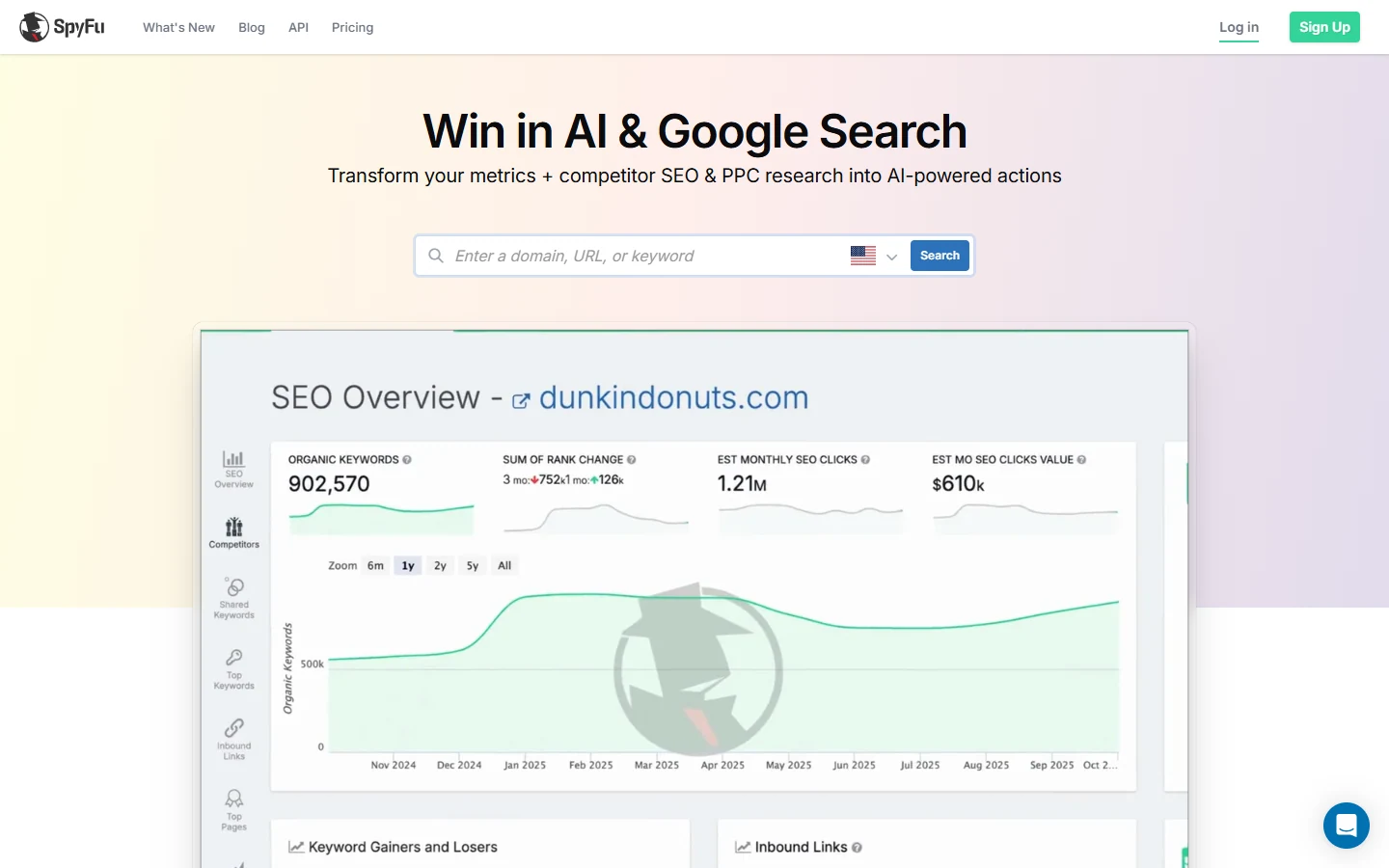
SpyFu is not a social ad spy tool. Its strength is paid search. It helps marketers see competitor keywords, PPC ad copy history, domain comparisons, ranking data, and Google Ads opportunities. For teams spending heavily on search, SpyFu is useful because it shows the keyword and copy layer behind competitor acquisition.
Key Features:
- PPC keyword research helps users find terms competitors bid on.
- Google Ads history shows how competitor ad copy has changed over time.
- Domain comparison helps users compare paid and organic visibility against rivals.
- Exportable data supports keyword planning, reporting, and campaign building.
- Rank tracking and automated reports help agencies monitor search visibility.
Pros:
- Strong fit for Google Ads and paid search research.
- Pricing is public and easier to understand than many enterprise tools.
- Useful for agencies that need exports, reports, and competitor keyword data.
- 30-day money-back guarantee reduces purchase risk.
Cons:
- It does not replace a Meta, TikTok, or display ad intelligence tool.
- The Pro + AI plan increases after the first month.
- Creative teams focused on visual ads may find it too search-heavy.
Pricing:
SpyFu Basic costs $39/month. Pro + AI costs $59 for the first month, then $119/month. Team/Agency costs $249/month. There is no traditional free trial listed, but SpyFu offers a 30-day money-back guarantee.
10. AdSpy: Best Facebook and Instagram Ad Database for Deep Meta Ad Search
Overall Rating: ⭐⭐⭐⭐☆ (4.5/5)
Best For: Facebook advertisers, Instagram advertisers, affiliate marketers, dropshippers, and media buyers that need deep Meta ad search.
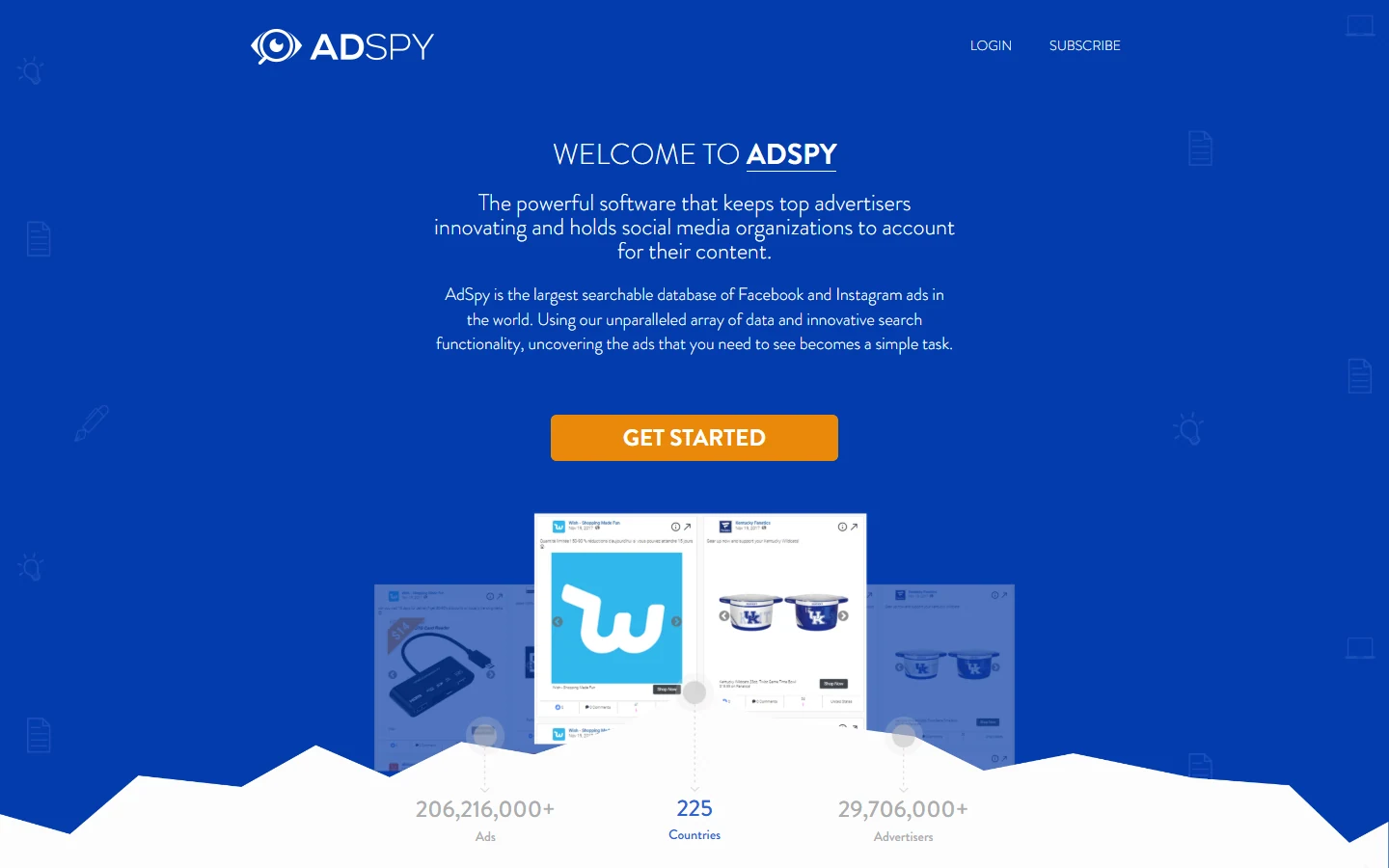
AdSpy is a long-running ad database for Facebook and Instagram research. It is best for users who want to dig through Meta ads with detailed filters and find patterns in offers, hooks, landing pages, and creative formats. It has a narrower platform focus than many tools, but that focus is exactly why some media buyers still use it.
Key Features:
- Facebook and Instagram ad database helps users search Meta creatives at scale.
- Keyword, advertiser, and interest-style filters help users narrow down large result sets.
- Engagement and demographic filters help identify ads with stronger visible signals.
- Affiliate and ecommerce research workflows help users find offer patterns and direct-response hooks.
- Large historical index supports deeper Meta creative research than public libraries alone.
Pros:
- Strong depth for Facebook and Instagram ad research.
- Useful for affiliates and dropshippers doing daily creative research.
- Simple pricing with one main plan.
- Good for users who want raw database access and advanced search.
Cons:
- One-plan pricing can feel expensive for occasional research.
- It is narrower than multi-platform tools.
- The interface feels somewhat outdated.
Pricing: AdSpy costs $149/month for its main plan.
11. Motion: Best Creative Performance Analytics Tool for Paid Social Teams
Overall Rating: ⭐⭐⭐⭐☆ (4.6/5)
Best For: Paid social teams, creative strategists, DTC brands, agencies, and performance marketers that need to connect ad creative with performance data.
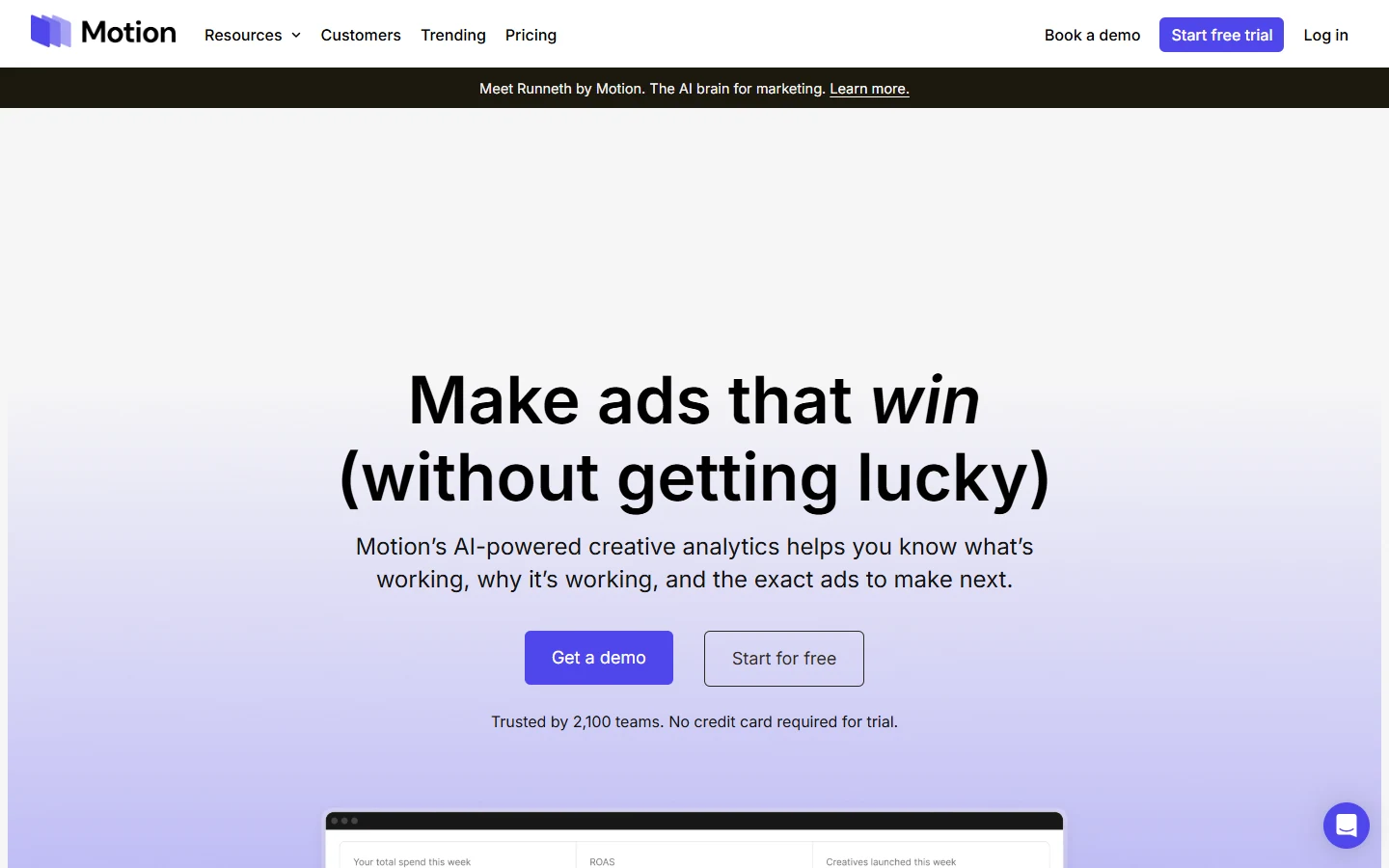
Motion is different from a traditional ad spy database. It is a creative analytics platform that helps teams understand which ads are performing, why they are working, and what to brief next. For brands already spending meaningful money on paid social, Motion helps bridge the gap between media buying data and creative decision-making.
Key Features:
- Creative analytics helps teams compare ad performance by concept, hook, format, and creative tag.
- Ad leaderboard shows winning and losing creatives in a way creative teams can understand.
- AI tags and tasks help organize creative learnings without manual spreadsheet work.
- Unlimited seats and ad accounts support collaboration across growth, creative, and agency teams.
- Attribution integrations on higher plans help connect creative decisions to business outcomes.
Pros:
- Strong for teams that already run paid social at scale.
- Helps creative and media teams speak from the same data.
- Better for performance analysis than basic ad spy tools.
- Unlimited seats make it practical for cross-functional creative workflows.
Cons:
- Starter pricing is higher than typical ad spy tools.
- Pro and Growth require a sales conversation.
- It is best when users have their own ad performance data to analyze.
Pricing:
Motion Starter costs $250/month for brands spending up to $50k/month on ads. Pro is custom pricing for brands spending over $50k/month. Growth is custom pricing for brands spending over $250k/month.
12. Foreplay: Best Creative Intelligence Workflow Tool for Swipe Files and Briefs
Overall Rating: ⭐⭐⭐⭐☆ (4.7/5)
Best For: Creative strategists, agencies, DTC brands, performance marketers, and growth teams that need swipe files, competitor tracking, ad briefs, and research-to-creative workflows.
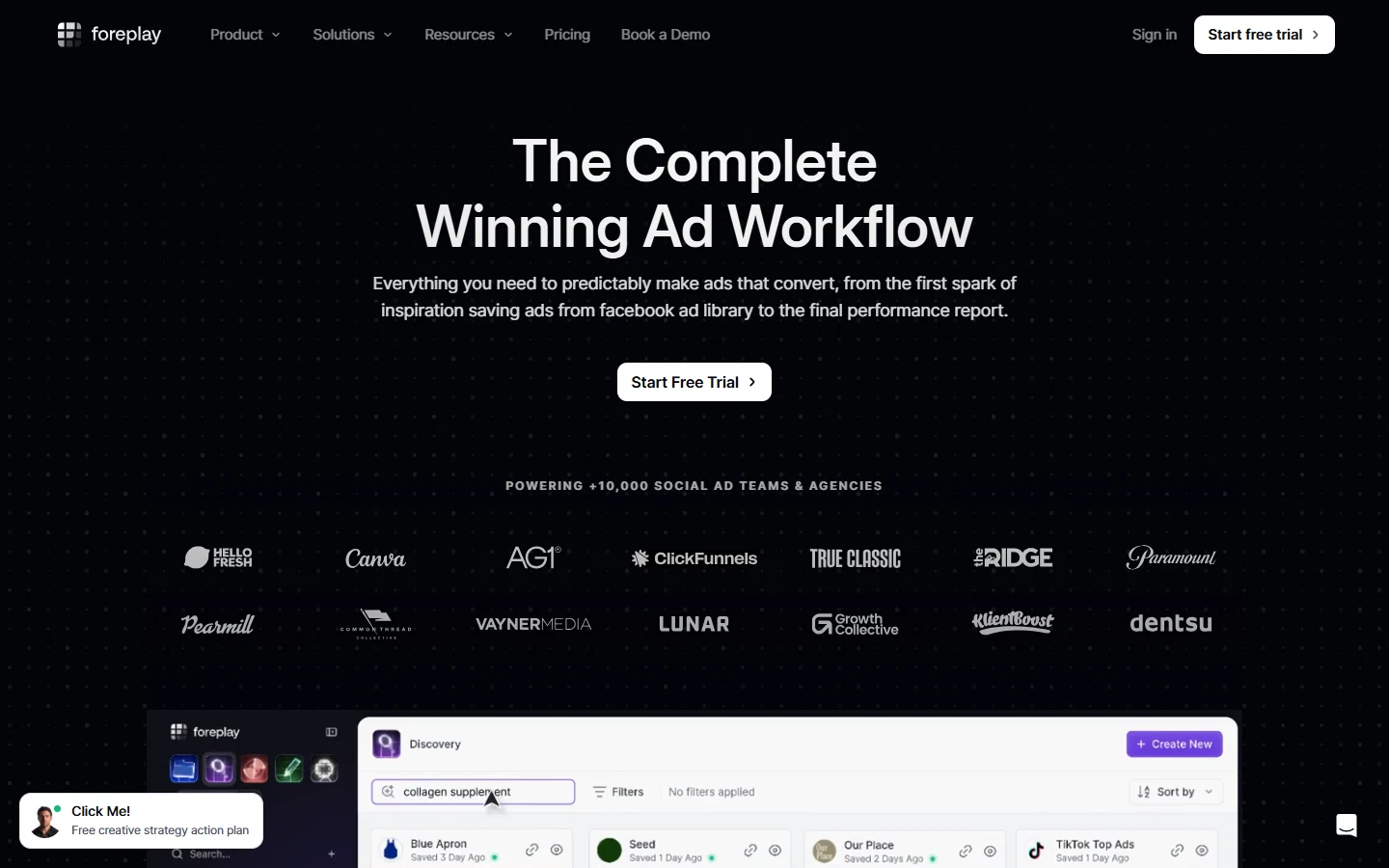
Foreplay focuses on the creative workflow around ad research. Users can save ads, organize swipe files, research competitors, build briefs, and collaborate with teams. Its biggest value is not simply finding ads. It helps turn inspiration into organized creative direction.
Key Features:
- Swipe File helps users save and organize ad inspiration from multiple sources.
- Discovery helps teams find new ads and creative references without relying only on manual browsing.
- Briefs help turn saved ads into structured creative direction for designers, editors, and media buyers.
- Spyder supports competitor tracking and ongoing monitoring.
- Lens and AI features help users analyze creative patterns and extract usable insights from ads.
Pros:
- Excellent for creative strategy workflows.
- Strong bridge between ad research and briefing.
- 7-day free trial lowers risk for teams testing the workflow.
- Good fit for agencies and DTC brands that produce new creative every week.
Cons:
- The Basic plan is best for saving and organizing inspiration, while teams needing more advanced workflow features may need higher tiers.
- Costs rise for agencies that need more users and heavier competitor tracking.
- It is more workflow-focused than database-heavy, so users looking only for raw ad volume may prefer BigSpy or AdSpy.
Pricing:
Foreplay Basic costs $59/month monthly, or $49/month billed annually. Workflow costs $175/month monthly, or $149/month billed annually. Agency costs $459/month monthly, or $389/month billed annually. Enterprise is custom. Foreplay offers a 7-day free trial, and it shows no credit card required for the basic trial flow.
How to Choose the Right Ad Intelligence Tool?
The best ad intelligence tool is not always the one with the biggest database. It is the one that matches how your team actually does ad research.
A solo dropshipper, a mobile game studio, a SaaS PPC team, and an agency all need different things. Before comparing pricing, look at the type of ads you run, the platforms you care about, how often you research competitors, and what your team needs to do with the data after finding it.
Platform Coverage
Start with the platforms that matter most to your business.
If you run Meta ads, you need strong Facebook and Instagram coverage. If you sell through TikTok Shop, TikTok ad data matters more than display ads. If you market a mobile app or game, you need mobile ad networks, app store data, and country-level creative trends. If you manage Google Ads, a paid search tool like SpyFu will be more useful than a social ad spy tool.
Do not buy a tool just because it says “multi-platform.” Check what that really means. Some tools list many platforms but only have deep data for one or two. A good test is simple: search three known competitors and see whether the tool finds enough recent ads to be useful.
Data Freshness
Ad data gets old fast.
A creative that worked six months ago may still be useful for learning, but it may not show what competitors are testing right now. For fast-moving markets like ecommerce, dropshipping, gaming, and short-video ads, fresh data matters a lot.
Look for tools that show when an ad was first seen, when it was last active, and whether it is still running. Ad longevity is also useful. If an ad has been running for weeks or months, there is a better chance it is doing something right.
Think of data freshness like checking a store shelf. You do not only want to know what was sold last year. You want to know what is still being restocked today.
Search and Filtering Capabilities
A large ad database is only useful if you can search it properly.
Strong search and filtering should help you narrow results by keyword, advertiser, page, URL, platform, country, language, date, ad format, CTA, engagement, niche, landing page, and ad status.
For example, searching “skincare” is too broad. A better search would be: acne skincare ads, United States, Meta, video format, active in the last 30 days. That gives you a cleaner set of ads to study.
The best tools help you move from vague curiosity to a focused research question. Weak tools give you thousands of results and leave you to sort the mess yourself.
Creative Analysis
Creative analysis is where ad intelligence becomes more useful than a basic ad library.
A normal ad library shows the ad. A stronger ad intelligence tool helps you understand the ad. It may break down the hook, offer, format, CTA, visual style, product angle, headline, landing page, or audience signal.
This matters because marketers should not copy ads blindly. The goal is to understand the pattern behind the ad. Is the brand using before-and-after content? Is the hook based on price, pain, speed, social proof, or curiosity? Is the video led by a founder, customer, creator, or product demo?
Good creative analysis turns competitor ads into test ideas.
Landing Page Intelligence
An ad is only half of the story. The landing page often explains why the ad works.
Two brands may use similar ad hooks, but one sends traffic to a product page while the other sends traffic to a quiz, advertorial, bundle page, app store page, or long-form sales page. That difference matters.
When choosing an ad intelligence tool, check whether it captures landing page URLs, screenshots, page history, redirects, and offer structure. This is especially important for ecommerce, affiliate, SaaS, and lead generation campaigns.
A useful workflow is to study the path from ad to page: creative hook, promise, CTA, landing page headline, proof, pricing, and checkout or signup flow.
Export and Collaboration
Ad research becomes more valuable when your team can use it.
If the tool only helps one person browse ads, it may be enough for a solo marketer. But agencies, creative teams, and growth teams need better workflow features. Look for saved lists, folders, tags, comments, share links, CSV exports, creative downloads, alerts, and team seats.
This is where tools like Foreplay and Motion stand out. They do not only help users find ads. They help teams turn ad research into briefs, reports, and creative decisions.
A simple rule: if your research often ends up in Slack screenshots, messy Google Docs, or random browser bookmarks, you probably need stronger collaboration features.
Pricing and Scalability
Pricing should match how often you use the tool and how much value the data creates.
A $49/month tool may be enough for a founder testing products. A $250/month creative analytics tool may make sense for a brand spending $50,000/month on ads. An enterprise platform can be worth it for a large team planning media spend across markets.
Do not compare price alone. Compare cost to workflow. Ask:
- How many users need access?
- How many searches or credits are included?
- Are exports included?
- Are trackers included?
- Does the plan limit countries or platforms?
- Does the price increase as the team grows?
- Is there a free trial, free credits, or money-back guarantee?
The cheapest tool is not always the lowest cost. If it saves no time or gives poor data, it becomes expensive in a different way.
Compliance and Data Sources
Ad intelligence tools collect data in different ways. Some rely on public ad libraries, some use web crawling, some use panel data, some use platform integrations, and some combine several sources.
You do not need to understand every technical detail, but you should know where the data comes from. This matters for privacy, legal risk, and data quality.
A safe tool should be clear about using public or compliant data sources. Be careful with tools that make unclear claims, require strange browser behavior, or promise private competitor data that should not be accessible.
A simple way to think about it: good ad intelligence shows what competitors publish publicly. It should not pretend to break into private ad accounts.
How to Use Ad Intelligence Tools Effectively?
Start with a clear question. “Find winning ads” is too broad. A better question is: “What hooks are active skincare brands using for acne products on Meta in the United States this month?”
Build a short competitor list before opening the tool. Include direct competitors, larger brands in your category, fast-growing brands, and brands outside your category that sell to a similar audience. This gives you a better mix of expected ideas and fresh angles.
Use filters to narrow the search. Choose the platform, country, date range, format, keyword, and advertiser type. If the tool has ad duration or active status filters, use them. Ads that stay active for a long time are often more useful than ads that only appeared briefly.
Study the full ad, not only the visual. Look at the first line, hook, product claim, CTA, offer, format, comments, landing page, and page structure. The winning idea may be the offer, not the video. Or it may be the landing page, not the headline.
Group ads by pattern. For example:
- Problem-solution ads
- Founder-led ads
- UGC testimonials
- Product demo ads
- Comparison ads
- Discount or bundle ads
- Before-and-after ads
- TikTok Shop style videos
- App install gameplay videos
Then turn the research into a creative brief. A useful brief should include the target audience, customer pain point, hook, format, visual direction, offer, CTA, landing page idea, and the reason this test is worth running.
The final step is testing. Ad intelligence should not replace your own performance data. It should help you choose smarter tests.
Common Mistakes to Avoid
The first mistake is copying competitors too closely. If you copy the ad, you may also copy the wrong assumption. You do not know the competitor’s margin, audience, targeting, budget, or backend funnel. Use competitor ads as clues, not instructions.
The second mistake is trusting engagement too much. Likes, comments, and shares do not always mean the ad is profitable. Some ads get attention but fail to convert. Look for stronger signals, such as ad longevity, repeated creative patterns, consistent landing pages, and similar messages used across many ads.
The third mistake is ignoring the landing page. Many teams save the ad but forget to study what happens after the click. This leads to weak creative briefs because the team misses the offer, proof, product page structure, and checkout flow.
The fourth mistake is researching too broadly. A database with millions of ads can waste time if you search without a plan. Start narrow. Use one market, one platform, one product type, and one clear question.
The fifth mistake is collecting ads without acting on them. A swipe file is not a strategy. If saved ads do not turn into creative tests, landing page changes, offer ideas, or media planning decisions, the research is not doing its job.
The sixth mistake is using one tool for every job. A PPC team may need SpyFu. A TikTok ecommerce team may need PiPiAds. A creative team may need Foreplay or Motion. A mobile game team may need SocialPeta. The right tool depends on the job.
FAQs about Advertising Intelligence Tools
What is an ad intelligence tool and how does it work?
An ad intelligence tool helps marketers find, track, and study ads from competitors and other brands. It usually collects data from public ad libraries, search results, social platforms, display networks, mobile ad networks, or approved data partners.
In simple terms, it works like a search engine for ads. You enter a keyword, brand, URL, product, or niche, and the tool shows related ads. Many tools also show ad status, launch date, platform, country, creative format, landing page, and other useful details.
How can ad intelligence tools help improve my advertising strategy?
Ad intelligence tools help you make better creative and media decisions. You can see what competitors are testing, which messages appear often, which ads have been active for a long time, and how brands connect ads to landing pages.
This helps you avoid starting from a blank page. Instead of guessing what to test, you can use competitor patterns to create stronger hooks, offers, landing pages, and creative briefs.
What are the top features to look for in an ad intelligence tool?
The most useful features are platform coverage, fresh data, strong search filters, competitor tracking, creative analysis, landing page visibility, saved lists, exports, and team collaboration.
If you are an ecommerce marketer, product and store research may matter more. If you run PPC, keyword and ad copy history matter more. If you work on mobile apps, look for app store, mobile network, and country-level data.
How do ad intelligence tools provide insights into competitors’ ads?
They show what competitors are running, where the ads appear, when the ads started, which formats they use, what messages they repeat, and where they send traffic.
Some tools also estimate spend, impressions, ad duration, engagement, or placement data. These numbers should be treated as signals, not exact truth. The real value is pattern recognition. If many competitors keep using the same hook, offer, or landing page style, it may be worth testing your own version.
Can ad intelligence tools help identify trending ad creatives and formats?
Yes. Many ad intelligence tools help users spot trends by showing active ads, top ads, long-running ads, popular products, repeated formats, and rising creative styles.
For example, an ecommerce team might notice more creator-led videos, bundle offers, TikTok Shop product demos, or comparison ads. A mobile game team might notice more playable ads, character-led hooks, or reward-based messaging.
The best way to use trend data is not to copy the format exactly. Use it to understand what customers are responding to, then build a version that fits your brand.
How do AI-powered ad intelligence tools differ from traditional ones?
Traditional ad intelligence tools mainly help users search and filter ads. AI-powered tools can go further by summarizing ads, tagging creative patterns, spotting hooks, reading video transcripts, grouping similar ads, and helping write creative briefs.
A simple way to explain it: traditional tools show you the ad. AI-powered tools help explain what is happening inside the ad.
Still, AI should not replace human judgment. It can speed up research, but marketers still need to decide whether the insight fits the brand, audience, offer, and budget.
How can I use ad intelligence data for better media planning?
Ad intelligence can help media planning by showing where competitors are active, which channels they use, which markets they target, and how their campaigns change over time.
For example, if several competitors are increasing TikTok and YouTube Shorts activity, that may suggest short-form video deserves more budget testing. If a competitor appears heavily in display placements, you may want to study their publishers and landing pages.
Use ad intelligence as one input. Combine it with your own CAC, ROAS, CTR, conversion rate, customer research, and channel performance data.