What is an Ad Tracker? Types, Methods, and Best Tools for 2026
- Author
- PrimeSpy Research Team
- Published
- Jun 30, 2026
- Updated
- Jul 29, 2026

Summary: Ad tracking is most useful when it connects fragmented platform data to real business outcomes. This guide explains what ad trackers measure, how pixels, UTMs, click IDs, postbacks, and server-side tracking work, and which tools fit campaign, ecommerce, attribution, reporting, or competitor research needs.
Ad tracking has become harder to trust, not because marketers have less data, but because the data is scattered across too many systems. Google Ads, Meta Ads, Shopify, GA4, affiliate platforms, and CRMs can all report the same conversion differently.
According to the IAB Europe Adoption of Addressability & Measurement Solutions Report, more than 70% of respondents say they are familiar with privacy-first measurement. Yet 53% still identify attribution without cookies as a key challenge, while 68% cite the lack of cross-platform data access and transparency as the industry’s biggest obstacle. These findings highlight the reality marketers face today: stricter privacy regulations, fragmented customer journeys, and increasing pressure to prove which campaigns actually drive revenue.
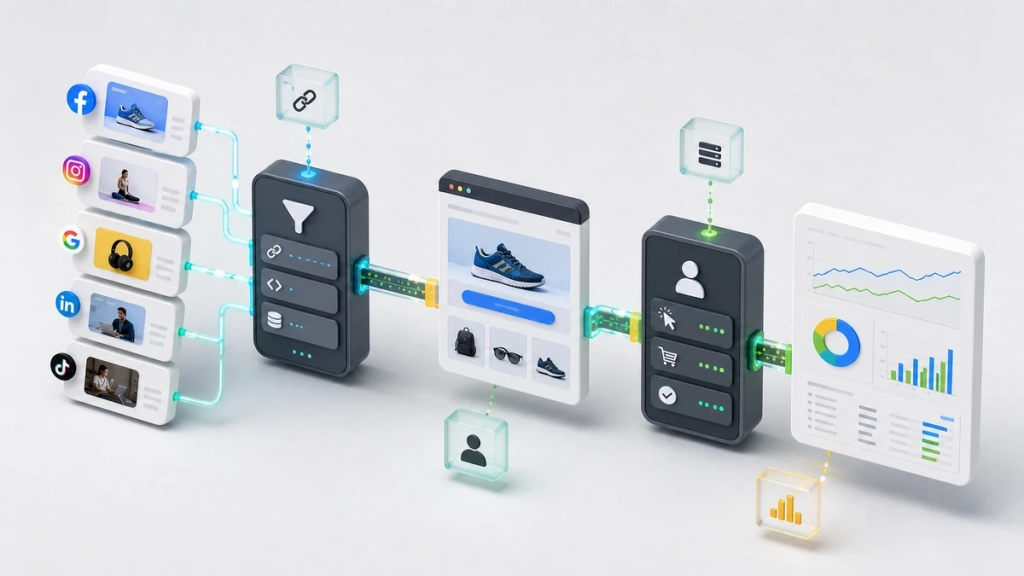
An ad tracker helps address these challenges by connecting advertising data with measurable business outcomes. Rather than relying solely on platform-reported conversions, it consolidates clicks, conversions, revenue, traffic sources, landing pages, affiliate performance, and customer journeys into a more unified view. Many ad tracking tools can also compare platform-reported results with on-site behavior, ecommerce sales, or CRM data when those sources are connected, helping marketers make more informed optimization decisions.
In this guide, you’ll learn what an ad tracker is, what it tracks, the main tracking methods, and how to choose the best ad tracking tool for your business.
What is an Ad Tracker?
An ad tracker is software used to measure how advertising traffic performs after someone sees or clicks an ad. It records campaign data, connects that data to user actions, and helps marketers understand which ads, audiences, channels, keywords, placements, or affiliates contribute to conversions.
In simple terms, an ad tracker answers questions like:
- Which campaign generated this lead or sale?
- Which creative produced the highest quality traffic?
- Which traffic source is wasting budget?
- Which landing page converts better?
- Which affiliate or partner should receive credit?
- Which ad platform is over-reporting or under-reporting results?
Some ad trackers focus on click-level campaign tracking. Others focus on ecommerce attribution, server-side data collection, marketing reporting, or competitor ad research. That is why choosing an ad tracker should start with your measurement problem, not with a feature checklist.
What Does an Ad Tracker Actually Track?
An ad tracker can track different data points depending on how it is installed and what platforms it connects to. Most teams do not need every possible metric. They need a clean path from traffic source to outcome.
At the campaign level, an ad tracker usually records where the visit came from. That may include the ad network, campaign name, ad set, creative, placement, keyword, affiliate ID, publisher ID, device, country, landing page, and click ID.
At the behavior level, it can record what happened after the click. That includes page views, button clicks, form submissions, checkout events, trial signups, purchases, refunds, subscriptions, or qualified leads.
At the revenue level, stronger ad tracking tools connect conversion value back to the original ad interaction. This is where the tool becomes useful for budget decisions. A campaign with a cheap CPA may look good until you compare refund rate, lead quality, subscription retention, or actual revenue.
The practical point is simple: ad tracking is not only about knowing who clicked. It is about knowing which clicks were worth paying for.

Types of Ad Trackers Explained
Not all ad trackers are designed for the same purpose. The right solution depends on what you want to measure. Some tools focus on clicks and conversions, while others analyze user behavior, attribute revenue, or monitor competitor advertising. Understanding these categories can help you choose a tool that matches your marketing goals.
1. Campaign and Click Tracking Tools
Campaign and click tracking tools measure the performance of paid advertising campaigns by connecting ad clicks to conversions. They help marketers identify which traffic sources, campaigns, creatives, and landing pages generate the best results.
Best for:
- Affiliate marketers
- Performance marketers
- Media buyers
- Agencies managing paid campaigns
What they typically track:
- Clicks
- Traffic sources
- Campaign and ad IDs
- Landing pages
- Conversions
- Revenue
- Cost and ROI
2. Web Analytics Tools
Web analytics tools measure how visitors interact with your website after arriving from paid ads, organic search, email, referrals, or direct traffic. They provide insights into user behavior and help identify where visitors engage or drop off in the customer journey.
Best for:
- Businesses of all sizes
- Content marketers
- SEO and PPC teams
- Product and growth teams
What they typically track:
- Sessions and users
- Events
- Page views
- Engagement metrics
- Conversion funnels
- Traffic channels
- Attribution reports
3. Ecommerce Attribution Tools
Ecommerce attribution tools connect advertising spend with online sales and customer revenue. They help brands understand which campaigns drive purchases, repeat customers, and profitability, especially when platform-reported conversions differ from store data.
Best for:
- Ecommerce brands
- Shopify stores
- DTC businesses
- Retail marketers
What they typically track:
- Orders and revenue
- Customer acquisition
- Return on ad spend (ROAS)
- Customer lifetime value (LTV)
- Profit and contribution margin
- Multi-channel attribution
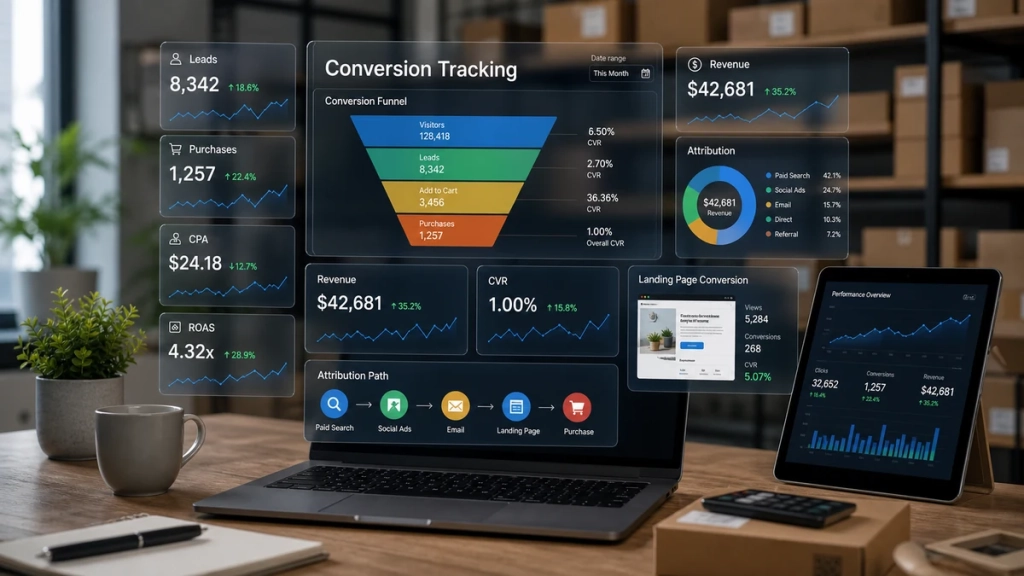
4. Advanced Attribution and Funnel Tracking Tools
These tools are built for businesses with longer or more complex sales cycles. Instead of tracking a single conversion, they connect multiple customer touchpoints across the buying journey to provide a more complete view of marketing performance.
Best for:
- B2B companies
- SaaS businesses
- Education providers
- Agencies
- High-ticket service businesses
What they typically track:
- Multi-touch attribution
- Leads and opportunities
- Calls and appointments
- Email sequences
- Offline conversions
- Subscription renewals
- Customer lifetime value
5. Server-Side Tracking Tools
Server-side tracking tools improve the accuracy and reliability of conversion measurement by sending data through a server rather than relying solely on browser-based tracking. They help reduce data loss caused by browser restrictions, ad blockers, and increasing privacy protections.
Best for:
- Businesses running large paid media budgets
- Technical marketing teams
- Companies implementing privacy-first measurement
What they typically track:
- Server-side events
- Conversion API data
- First-party data
- Enhanced conversion signals
- Cross-device events
- Privacy-compliant measurement
6. Competitor Ad Intelligence Tools
Unlike traditional ad trackers, competitor ad intelligence tools don’t measure your own advertising performance. Instead, they monitor publicly available ads across advertising platforms, helping marketers research competitor strategies and discover successful creative trends.
These tools are commonly used during campaign planning rather than campaign measurement.
Best for:
- Competitive research
- Creative inspiration
- Market analysis
- Product research
What they typically track:
- Competitor ad creatives
- Ad copy and messaging
- Landing pages
- Offers and promotions
- Ad formats
- Campaign trends
Main Ad Tracking Methods
Ad tracking usually works through several methods at the same time. A campaign may use UTMs for channel reporting, a tracking pixel for website events, click IDs for ad platform attribution, and server-side tracking to improve data quality. Understanding the difference helps explain why numbers often disagree across ad platforms, analytics tools, and backend revenue reports.
Tracking Pixels
A tracking pixel is a small piece of code that loads when a user visits a page or completes an action. Platforms such as Meta, Google, TikTok, and many analytics tools use pixels to record events like page views, leads, add-to-cart actions, purchases, and signups.
Pixels are easy to install and widely supported, which is why they remain common in ad tracking. However, they are also exposed to browser restrictions, ad blockers, cookie limits, and consent settings. A pixel can show that an event happened, but it may not always capture the full user journey accurately.
UTM Parameters
UTM parameters are tags added to a URL. They help analytics tools understand where traffic came from and which campaign, ad, keyword, or creative drove the visit.
For example, a paid social ad URL might include: utm_source=facebook&utm_medium=paid_social&utm_campaign=spring_sale&utm_content=video_ad_01
The most common UTM parameters are:
| UTM parameter | What it identifies | Example |
|---|---|---|
| utm_source | The traffic source or platform | facebook, google, newsletter |
| utm_medium | The marketing channel or traffic type | paid_social, cpc, email |
| utm_campaign | The campaign name | spring_sale, black_friday_2026 |
| utm_content | The specific ad, creative, CTA, or placement | video_ad_01, blue_button, carousel_a |
| utm_term | The keyword or targeting term, often used for paid search | ad_tracking_tools |
| utm_id | A campaign ID used for cleaner reporting in some analytics setups | cmp_0426_meta_retention |
UTMs are simple and useful, but they are only as reliable as the naming system behind them. If one team uses “paid_social”, another uses “paidsocial”, and another uses “social-paid”, reports become fragmented. For paid media teams, a consistent UTM naming convention is often one of the easiest ways to improve ad tracking before buying another tool.
UTMs also have limits. They can be stripped from URLs, overwritten by redirects, duplicated across campaigns, or lost when a user returns later through another channel. That is why UTMs are best used as a reporting layer, not as the only source of attribution truth.

Click IDs
Click IDs are unique identifiers passed from an ad platform into the landing page URL. Examples include gclid for Google Ads, fbclid for Meta, and msclkid for Microsoft Ads.
When captured properly, click IDs help connect a conversion back to a specific ad click. They are especially useful for offline conversion imports, server-side tracking, and conversion APIs because they give ad platforms a more precise signal than UTMs alone.
A practical setup often stores both UTMs and click IDs. UTMs help humans read reports. Click IDs help systems match conversions back to ad interactions.
Postback Tracking
Postback tracking is common in affiliate marketing and performance advertising. Instead of relying on a browser pixel, the conversion is sent from one server to another through a postback URL.
This method is useful for affiliate networks, offer owners, and media buyers because it does not depend as heavily on the user’s browser after the click. A postback can pass data such as conversion ID, payout, transaction value, affiliate ID, offer ID, and traffic source.
Postback tracking is usually more technical to set up than UTMs or pixels, but it is often more reliable for affiliate and partner-based funnels.
Server-side Tracking
Server-side tracking sends event data from your server or a server-side tag environment to analytics and ad platforms. Instead of depending only on browser-side scripts, the website or server controls how event data is collected, processed, and sent.
This can improve data quality, reduce dependence on browser-side pixels, and give teams more control over what data is shared with platforms such as Google Ads, Meta, TikTok, and analytics tools.
Server-side tracking is not a shortcut around privacy rules. You still need proper consent, data minimization, secure handling of user data, and compliance with each platform’s policies. For many teams, though, it has become part of a more durable ad tracking setup.
Best Ad Tracking Tools for 2026
The tools below cover the main ways marketers use ad tracking in 2026: measuring paid campaign performance, connecting conversions to revenue, improving server-side data quality, building cross-channel reports, and researching competitor ads.
1. Voluum: Best Overall Ad Tracker
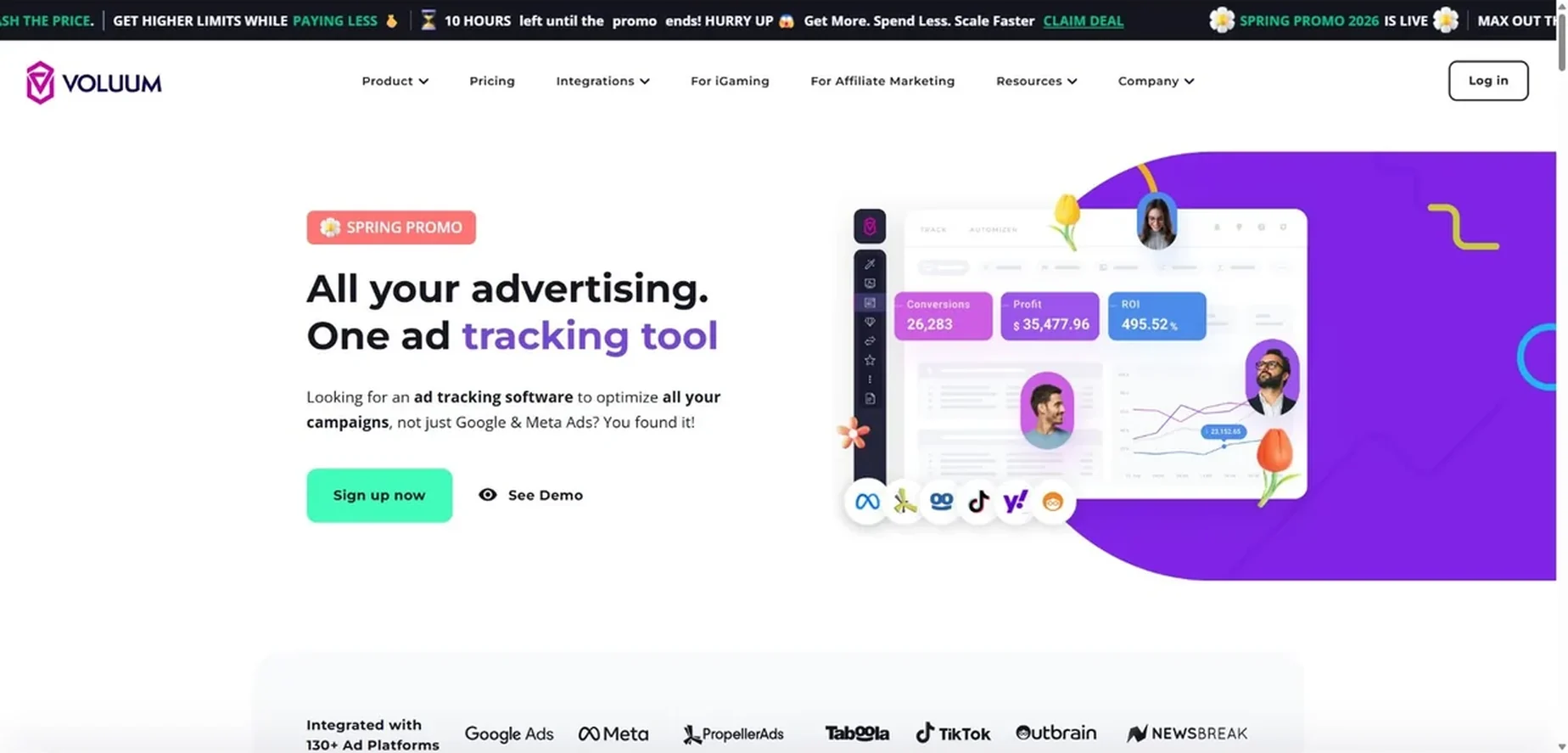
Voluum is a dedicated ad tracker built for performance marketers, affiliate advertisers, and media buying teams. It is strongest when you need click-level campaign tracking across multiple traffic sources, landing pages, offers, and conversion flows.
It can help teams monitor traffic quality, compare campaign performance, test landing pages, detect suspicious traffic, and optimize traffic distribution. For affiliate and paid media teams, this is more useful than relying only on native ad platform dashboards.
- Best for: Affiliate marketers, performance media buyers, native ad buyers, iGaming teams, and agencies managing many campaigns.
- Main strengths: Ad campaign tracking, click tracking, conversion tracking, traffic source integrations, landing page testing, reporting, rule-based optimization, and anti-fraud features.
- Pricing / Free trial: Paid Individual plans start at $99/month when billed annually. Higher tiers are available for larger teams and higher tracking volume.
2. GA4: Best Free Option
Google Analytics 4 is not a specialist ad tracker, but it is often the first analytics layer a business should set up. It tracks website and app events, shows how users move through the customer journey, and connects with Google Ads, Search Console, BigQuery, and other Google products.
GA4 is useful when you need a free way to understand sessions, events, conversions, and channel-level attribution. It is less useful when you need affiliate postbacks, detailed media buying reports, or multi-source click-level tracking.
- Best for: Businesses that need a free analytics foundation for website behavior, events, and Google Ads measurement.
- Main strengths: Event-based analytics, Google Ads integration, ecommerce tracking, funnel exploration, audience creation, attribution reports, and free access for most businesses.
- Pricing / Free trial: GA4 is free for most businesses. Google Analytics 360 is the paid enterprise version for larger organizations with higher data, support, and governance needs.
3. PrimeSpy: Best for Competitor Ad Tracking
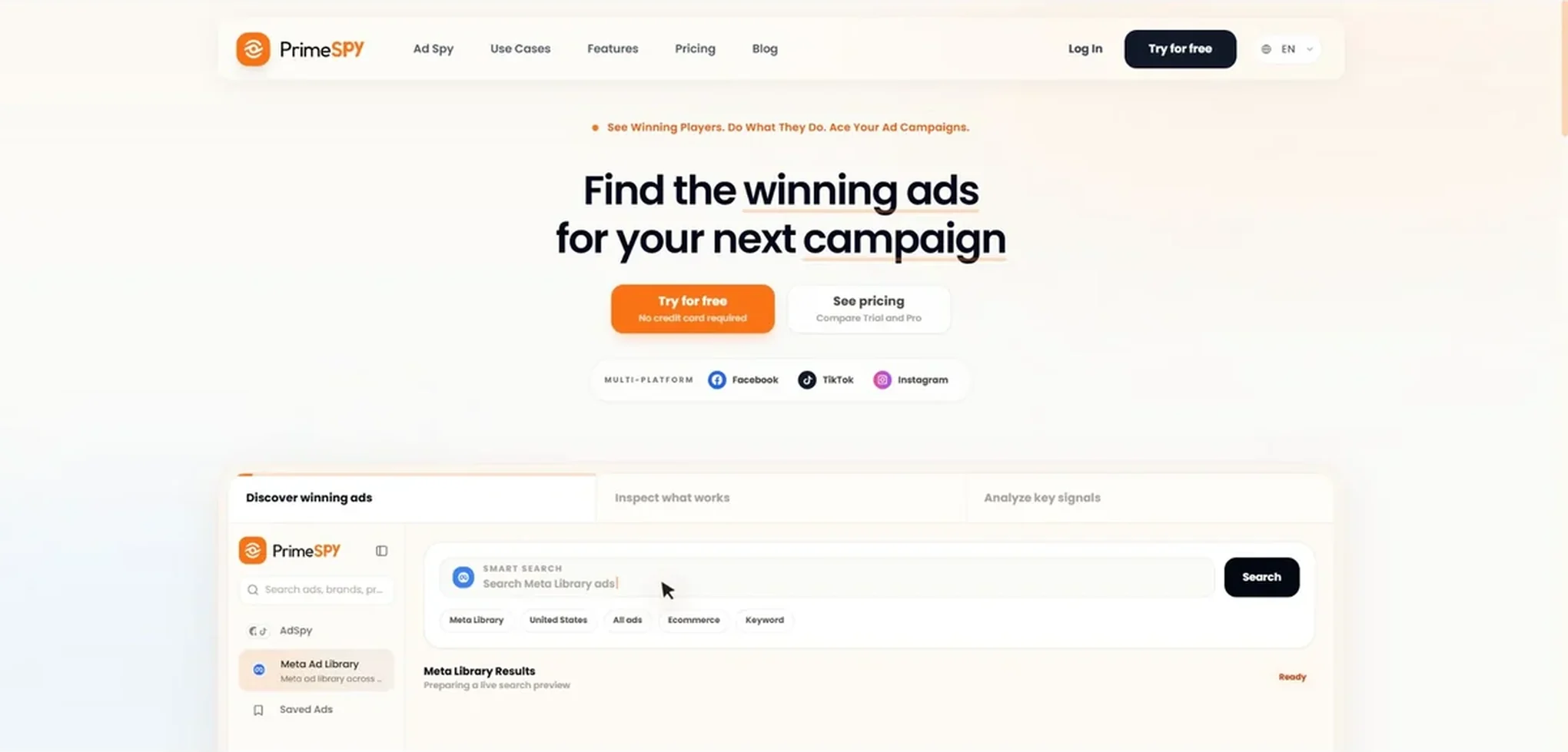
PrimeSpy is different from the other tools in this list because it helps you track ads from competitors rather than your own attribution. It helps marketers research active ads, creative formats, hooks, landing pages, offers, spend signals, and campaign patterns across platforms such as Meta and TikTok.
This is useful before launching campaigns or when creative performance starts to decline. A good competitor ad tracker does not tell you what to copy. It helps you understand what angles, offers, and formats are active in the market.
- Best for: Competitor ad research, creative research, offer research, paid social research, and market monitoring.
- Main strengths: Ad discovery, competitor monitoring, creative research, landing page analysis, trend spotting, saved workflows, and ad intelligence.
- Pricing / Free trial: PrimeSpy offers 500 free credits with no credit card required. Paid access starts with the Pro plan at $9.99/month.
4. RedTrack: Best for Affiliate Media Buyers
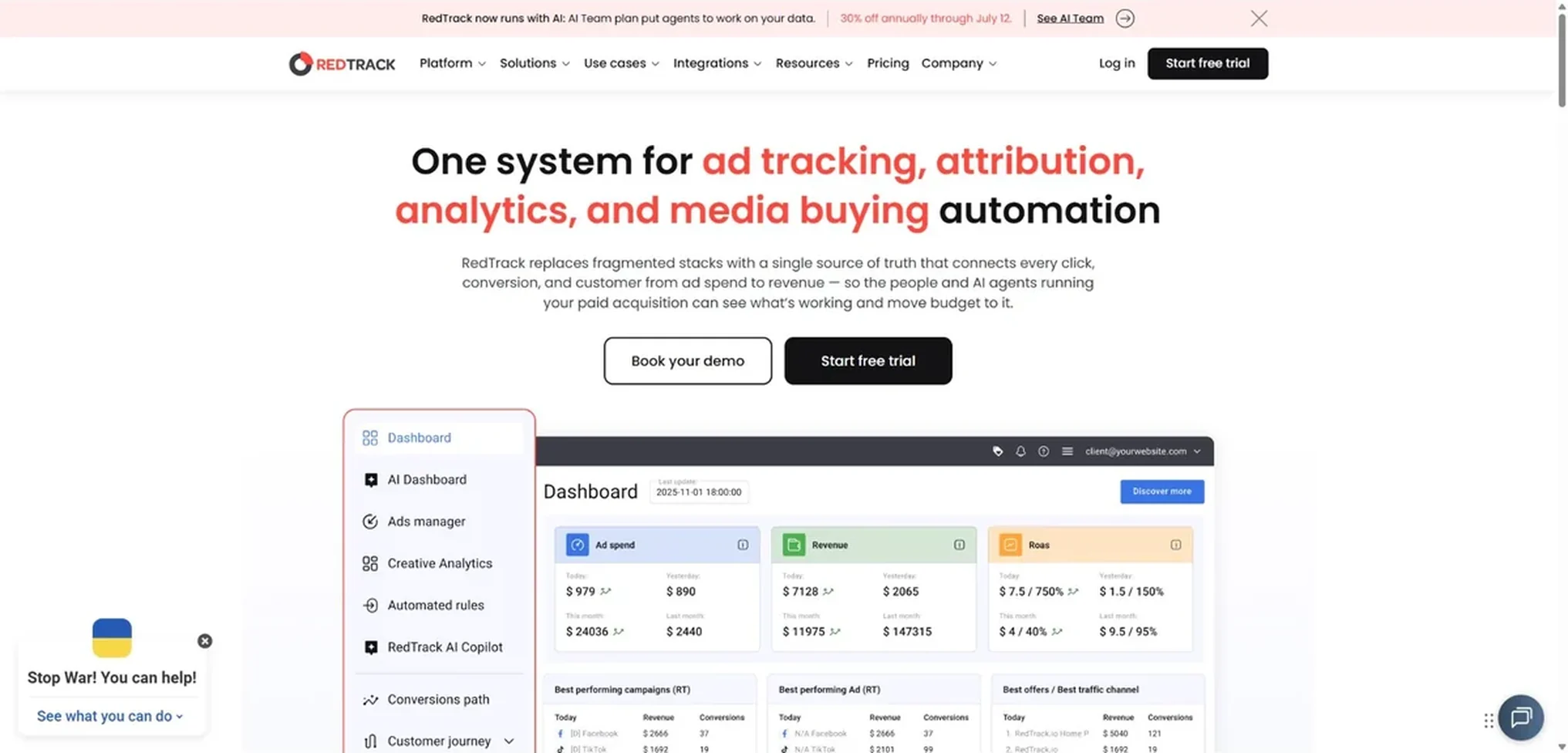
RedTrack is built for advertisers and affiliate teams that need accurate tracking across paid traffic, partners, and ecommerce or lead generation funnels. It supports postback tracking, conversion tracking, ad spend sync, custom domains, partner management, and server-side conversion data.
It is a good fit when native platform reporting is not enough and you need to compare cost, revenue, campaign structure, and partner performance in one system.
- Best for: Affiliate media buyers, performance agencies, ecommerce advertisers, and teams that need postback or server-side conversion tracking.
- Main strengths: Cookieless and server-side tracking support, postbacks, ad spend sync, affiliate and partner tracking, conversion attribution, automation, and reporting.
- Pricing / Free trial: RedTrack offers a 14-day free trial with no credit card required. Paid plans start at $79/month for the Builder plan, with team and enterprise plans available for higher event volume and more advanced features.
5. Triple Whale: Best for Shopify and DTC Ecommerce
Triple Whale is designed for ecommerce operators who need to compare ad performance against store revenue and customer behavior. It is especially relevant for Shopify brands that want a clearer view of attribution, blended performance, customer journeys, and operational metrics.
Its value is not just tracking clicks. It helps ecommerce teams connect marketing data with revenue, creative performance, customer segments, inventory signals, and business reporting.
- Best for: Shopify brands, DTC ecommerce teams, founders, growth teams, and agencies managing ecommerce clients.
- Main strengths: Ecommerce attribution, Shopify reporting, blended ROAS, customer journey analysis, creative insights, first-party pixel data, dashboards, and AI-assisted reporting.
- Pricing / Free trial: Triple Whale has a Free plan at $0/month. Paid plans start with Foundation at $549/month, Automate at $1349/month, and Enterprise pricing is handled through sales.
6. Hyros: Best for Advanced Attribution and Call-Based Funnels
Hyros is built for businesses that need more than basic web analytics. It focuses on attribution across paid traffic, customer journeys, revenue, calls, subscriptions, and longer sales cycles. That makes it more relevant for high-ticket funnels, education businesses, coaching companies, agencies, and some ecommerce or SaaS teams with complex conversion paths.
Hyros is not the best first tool for a small website that only needs page views and form submissions. It is more useful when the buying journey crosses multiple channels and the business needs to know which ads bring higher-value customers.
- Best for: High-ticket funnels, call-based sales, webinar funnels, education businesses, agencies, and advanced attribution teams.
- Main strengths: Multi-touch attribution, paid traffic tracking, call and funnel tracking, customer journey reporting, revenue attribution, LTV visibility, and guided setup.
- Pricing / Free trial: Hyros offers demo-led onboarding and a “Start for Free” option on its pricing page. Business pricing starts at $230/month with an annual plan, based on tracked monthly revenue.
7. Stape: Best for Server-Side Tracking
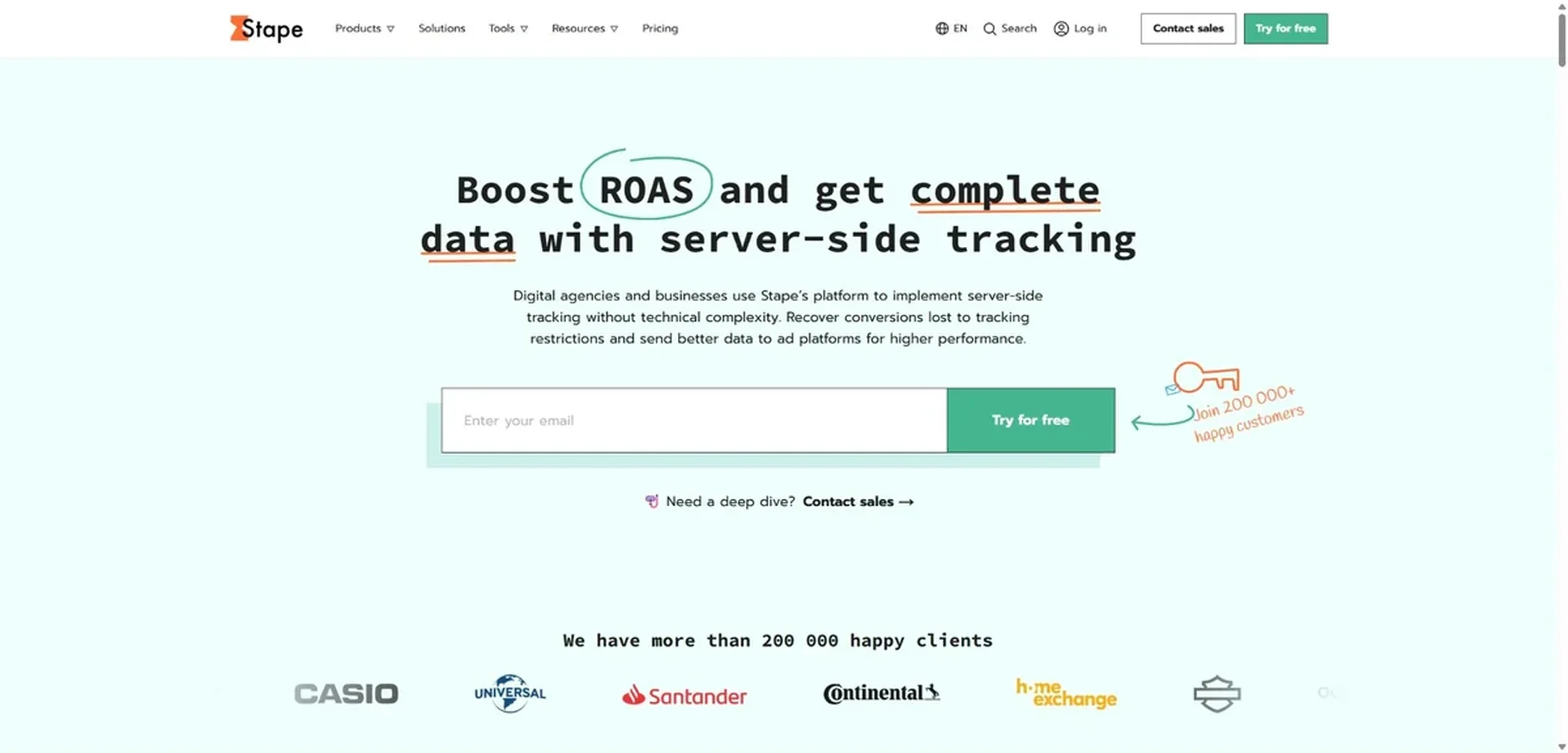
Stape is not a traditional ad tracker. It is server-side tracking infrastructure. Teams use it to host server-side Google Tag Manager, route conversion data, improve tag reliability, and send cleaner signals to platforms such as Meta, Google Ads, TikTok, and analytics tools.
Stape is most useful when you already understand your tracking plan and need a better way to implement it. It will not decide attribution logic for you, but it can make your data collection setup more reliable.
- Best for: Analytics teams, performance marketers, ecommerce teams, and developers implementing server-side tracking.
- Main strengths: Server-side GTM hosting, custom loader, global CDN, conversion API support, data routing, anonymization options, and lower-friction server-side setup.
- Pricing / Free trial: Stape offers a Free plan at $0/month with up to 10K requests and no credit card required. Paid server-side tracking plans start with Pro at $17/month when billed yearly.
8. Funnel.io: Best for Agencies and Cross-Channel Reporting
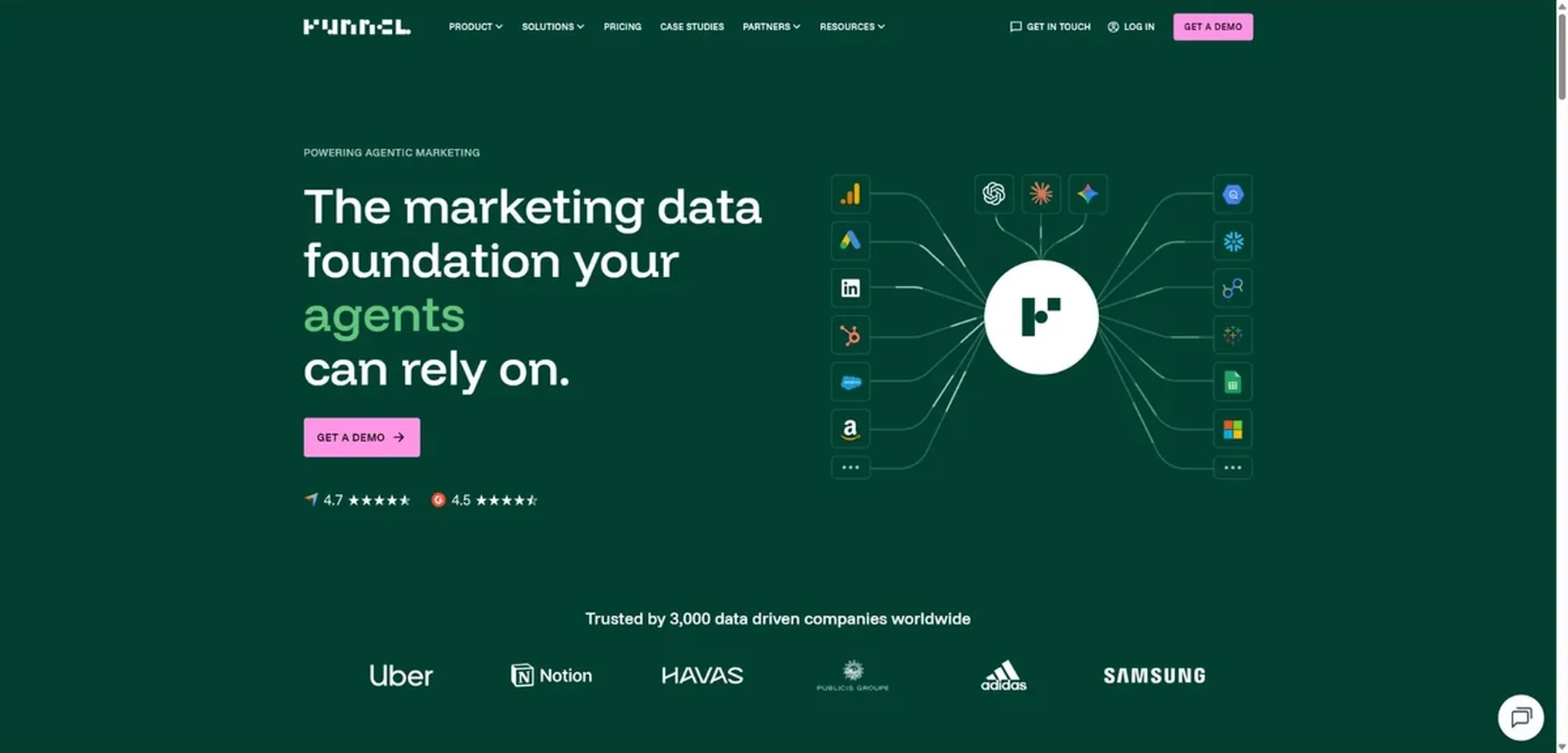
Funnel.io is a marketing data platform rather than a click-level ad tracker. It is useful when teams need to pull data from many ad platforms, clean it, model it, and send it into dashboards, spreadsheets, BI tools, or data warehouses.
For agencies and marketing operations teams, this solves a different problem from Voluum or RedTrack. Funnel.io is less about tracking one click through one funnel and more about building consistent reporting across many channels and clients.
- Best for: Agencies, marketing operations teams, analysts, and companies that need cross-channel reporting.
- Main strengths: Marketing data connectors, data transformation, dashboard exports, governed data models, reporting workflows, and BI integrations.
- Pricing / Free trial: Paid plans start at $300/month, billed annually. Business plans start at $600/month, and Enterprise pricing is custom.
How to Choose the Right Ad Tracker?
Start with the Decision You Need to Make
A good ad tracker should help you make a budget decision. Before comparing tools, define the decision you are trying to improve.
For example, an affiliate buyer may need to know which traffic source and offer combination is profitable. A Shopify brand may need to know whether Meta is over-crediting purchases. A B2B team may need to know which campaigns create qualified pipeline, not just form fills.
When the decision is clear, the tool category becomes clearer too.
Match the Tool to Your Conversion Path
Short ecommerce purchases, affiliate offers, booked calls, app installs, trials, and offline sales all need different tracking setups. A simple GA4 setup may be enough for a content site or early-stage business. It will not be enough for a media buyer running many offers across multiple networks.
For longer funnels, look for tools that can track events beyond the first conversion. Revenue quality, refunds, subscription retention, call outcomes, and CRM stages often matter more than the first lead.
Check How the Tool Handles First-party Data
Tracking is moving toward first-party data, consented events, conversion APIs, and server-side infrastructure. This does not mean every business needs a complex server-side setup on day one, but it does mean your tracking stack should not depend only on browser pixels.
A practical test: ask whether the tool can capture click IDs, store consented first-party event data, support server-side events, and send conversion signals back to ad platforms.
Look at Reporting Quality, Not Just Tracking Accuracy
Accurate tracking is only useful if the reporting helps people act. Some tools collect a lot of data but make reporting difficult. Others have cleaner dashboards but less flexible attribution.
The right balance depends on the team. A media buyer may prefer granular campaign reports. A founder may need a simple view of blended ROAS and profit. An agency may need automated client reporting across many channels.
Avoid Buying Complexity Too Early
Advanced attribution tools can be valuable, but only when the business has enough traffic, enough conversions, and enough operational discipline to use the data. If your UTM naming is inconsistent, your events are duplicated, and your CRM stages are messy, an expensive tracker will not fix the underlying measurement problem.
Clean naming, reliable event tracking, and a clear conversion definition usually produce more value than adding another dashboard.
Privacy, Cookies, and Why Tracking is Getting Harder
Ad tracking is getting harder because browsers, regulators, platforms, and users are all limiting how personal data can be collected and shared.
Third-party cookies are less reliable than they used to be. Mobile identifiers are harder to access. Ad blockers can block pixels. Consent banners affect whether certain scripts can run. Privacy laws require clearer disclosure, proper consent in many cases, and stronger control over personal data.
The FTC explains online tracking as a practice where websites and apps collect information about user activity for purposes such as analytics, remembering preferences, and personalized ads. It also distinguishes first-party tracking from third-party tracking, where another company tracks users across websites.
For marketers, the practical response is not to stop measuring. It is to measure more carefully:
- Collect only the data you need.
- Use clear consent and privacy notices.
- Avoid sending sensitive data into ad platforms.
- Keep event names and conversion definitions consistent.
- Use server-side tracking where it improves reliability and control.
- Work with legal or privacy specialists when tracking involves regulated data.
Ad tracking is not automatically illegal. Poor tracking practices can be illegal or non-compliant, especially when they involve sensitive data, children, unclear consent, misleading privacy claims, or unauthorized data sharing.
Conclusion
An ad tracker is useful when it helps you connect ad spend to real outcomes. That may mean campaign tracking, ecommerce attribution, server-side conversion tracking, web analytics, reporting automation, or competitor ad research.
For most teams, the right setup is not one tool. It is a measurement stack. GA4 may handle website analytics. Voluum or RedTrack may track paid campaigns. PrimeSpy may help with creative research. Triple Whale may connect ecommerce performance to revenue. Stape may improve server-side data collection. Funnel.io may support reporting.
Start with the business question. Then choose the ad tracking tool that gives you the cleanest answer.
FAQs About Ad Trackers
What is an ad tracker?
An ad tracker is a tool that measures how ads perform after a user views or clicks them. It can track traffic source, campaign, creative, landing page, click ID, conversion, revenue, and other data points that help marketers understand which ads are working.
What does ad tracking do?
Ad tracking connects advertising activity to user behavior and business results. It helps marketers see which campaigns drive clicks, leads, purchases, subscriptions, or revenue. Strong ad tracking also helps identify wasted spend, tracking gaps, and attribution conflicts between platforms.
What is ad tracking software?
Ad tracking software is a platform used to collect, organize, and report advertising performance data. Some ad tracking software focuses on campaign tracking, while other tools focus on attribution, ecommerce revenue, server-side tracking, or marketing reporting.
What is another name for ad tracking?
Ad tracking is often called advertising tracking, campaign tracking, conversion tracking, click tracking, ad attribution, marketing attribution, or performance tracking. These terms are related, but they are not always identical. For example, click tracking focuses on clicks, while attribution focuses on assigning credit for conversions.
Is web tracking illegal?
Web tracking is not automatically illegal. It depends on what data is collected, where users are located, how consent is handled, what is disclosed in the privacy policy, and whether sensitive or regulated data is involved. Tracking can become non-compliant when companies collect or share personal data without proper notice, consent, security, or legal basis.
What is an example of web tracking?
A common example is a tracking pixel that records when a user visits a product page or completes a purchase. Another example is a cookie that remembers a shopping cart or helps an analytics tool understand whether a user came from Google Ads, Meta Ads, or an email campaign.